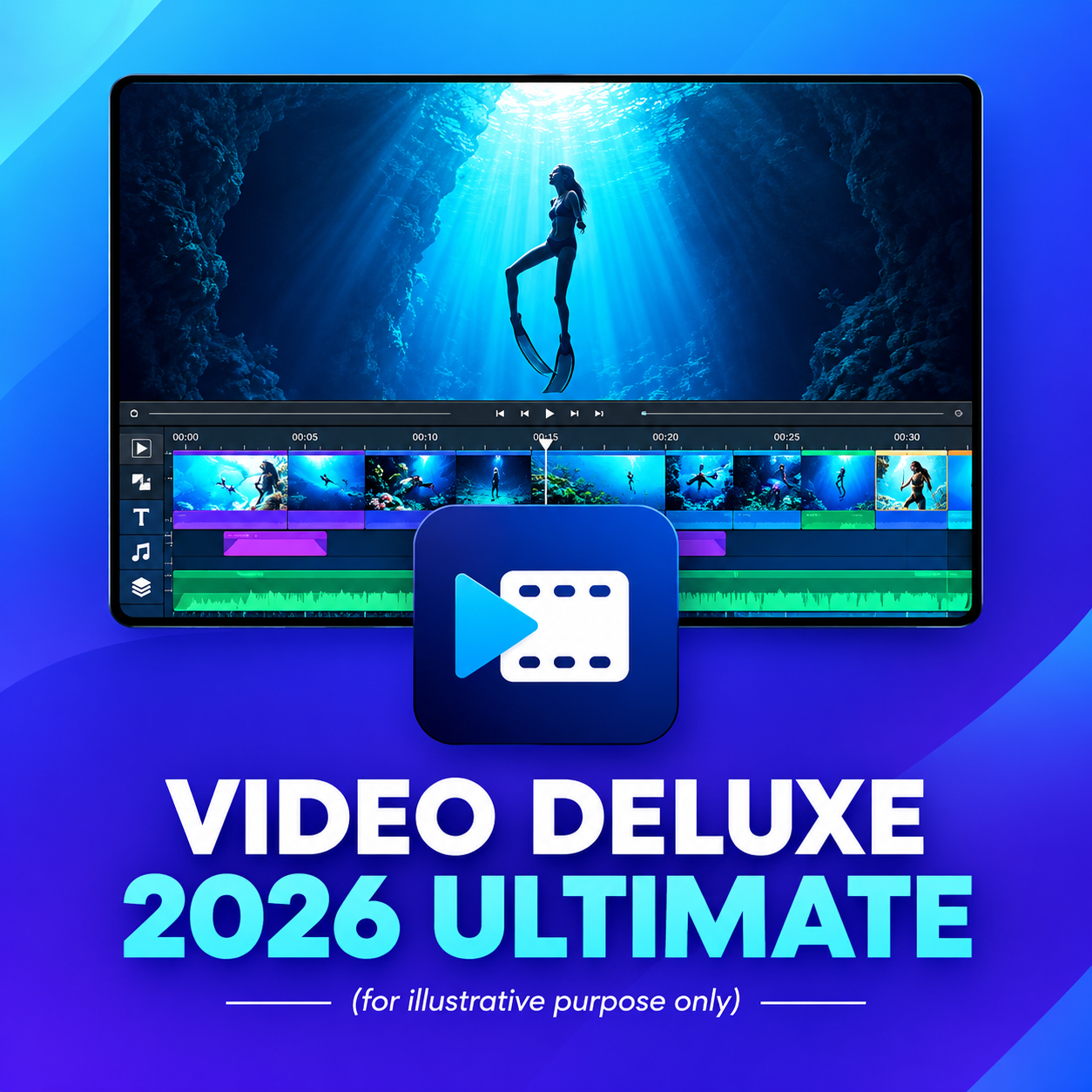
Who says that professional video editing has to be complex and time-consuming? With MAGIX Video Deluxe 2026 Ultimate, users get powerful yet user-friendly software that combines the highest standards of functionality and ease of use. Whether you are an ambitious beginner or an experienced professional - this solution offers you all the tools you need to realize your creative projects efficiently and at a professional level.
The latest version of MAGIX extends the proven range of features of the Plus and Premium editions with 13 exclusive additional packages, making MAGIX Video Deluxe 2026 Ultimate the most comprehensive editing software on the market. This edition is the ideal choice for users who don't want to compromise on quality and flexibility.

| Functions | Video Deluxe 2026 Plus | Video Deluxe 2026 Premium | Video Deluxe 2026 Ultimate |
|---|---|---|---|
| Working environment | Seamless and fluid working in the clear all-in-one media window | Seamless and fluid working in the clearly arranged all-in-one media window | All features of the Plus version |
| Performance | Fast export and smooth playback thanks to the INFUSION engine | Fast export and smooth playback thanks to the INFUSION Engine | Fast export and smooth playback thanks to the INFUSION Engine |
| AI-supported tools | Automatic subtitles and realistic voiceovers | Automatic subtitles and realistic voiceovers | More voiceovers and subtitles (text-to-speech, speech-to-text) |
| AI effects | Improved image quality and individual visual styles | Improved image quality and individual visual styles + proDAD VitaScene V5 Pro (1,700 effects & filters) | All AI effects plus additional professional filters & add-ons |
| Color correction | Precise color correction and automatic filters for impressive film looks | Precise color correction and automatic filters for impressive film looks | All features of the Plus version |
| Templates & editing sequences | Templates for projects, editing sequences and exports - also for social media | Templates for projects, editing sequences and exports - also for social media | All features of the Plus version |
| Effects, transitions & titles | Over 2,000 effects, transitions, templates, titles plus integrated image stabilization | Over 2,000 effects, transitions, templates, titles plus integrated image stabilization | Over 2,000 effects plus over 100 additional effects and transitions |
| Royalty-free content | Access to over 1 million royalty-free video and audio content | Access to over 1 million royalty-free video and audio content | Additional stock content and downloads |
| MultiCam editing | MultiCam editing with up to 4 cameras | MultiCam editing with up to 4 cameras | MultiCam editing with up to 4 cameras |
| Additional creative content | Integrated in-app store with creative content | Integrated in-app store with creative content |
|
| SYSTEM REQUIREMENTS | |
|---|---|
| All MAGIX programs are designed to be user-friendly so that all basic functions run smoothly and can be fully operated even on less powerful computers. However, some advanced program functions require more computing power. To be able to use these optimally, your system should at least meet the recommended requirements. You can find the technical data of your computer in the control panel of your operating system. | |
| Recommended for HD | |
| Operating system | Microsoft Windows 10 | 11; 64-bit |
| CPU | Intel Core i5 6th generation (or AMD equivalent) or better with 2.5 GHz and 4 cores |
| GPU | NVIDIA GeForce RTX or GTX 1050ti or better with 4 GB; AMD/ATI Radeon with 4 GB and VCE 3.0 or higher; Intel GPU HD Graphics 620 series or better |
| RAM | 16 GB |
| Hard disk | 1.5 GB storage space for program installation |
| Recommended for 4K | |
| Operating system | Microsoft Windows 10 | 11, 64-bit |
| CPU | Intel Core i5 6th generation (or AMD equivalent) or better with 2.5 GHz and 4 cores |
| GPU | NVIDIA GeForce RTX or GTX 1070 or better with 8 GB (8 GB RTX series recommended for 8K); AMD/ATI Radeon with 8 GB and VCE 3.0 or higher; Intel GPU HD Graphics 630 series or better |
| RAM | 32 GB |
| Hard disk | 1.5 GB storage space for program installation; recommended: 10 GB SSD or fast multi-disk RAID for 4K media |
| Recommended for AI | |
| Operating system | Microsoft Windows 10 | 11 |
| CPU | Intel Core i7 of the 10th generation (or AMD equivalent) or newer |
| GPU | NVIDIA GeForce RTX 20xx series or AMD Radeon RX 5xxx series or newer |
| RAM | 32 GB |
| Supported formats | |
| Import | Video: (DV-)AVI, MJPEG, MKV, MPEG 2/4 (HEVC/H.265), AV1, MOV, WMV(HD) Audio: MP3, OGG, WAV, WMA Image: BMP, GIF, JPEG, PNG, TIF, TGA, HEIF Resolution: SD, HD, 4K, 8K |
| Export | Video: (DV-)AVI, MJPEG, MPEG 2/4 (HEVC/H.265), AV1, WMV(HD) Audio: *MP3, WAV *MP3 export requires the installation of Windows Media Player version 10 or higher. Image: JPEG, BMP Other: DVD, Blu-ray Disc, AVCHD Disc Resolution: SD, HD, 4K, 8K (maximum disc in HD resolution) |
| Further information: Internet connection | |
| Internet connection: Required for download, registration, validation and individual program functions. Program requires a one-time registration. 4K and 8K editing: Use the proxy workflow to edit 4K and 8K files even on devices that only meet the requirements for HD. Software languages: English, Spanish, French, German, Italian, Dutch | |