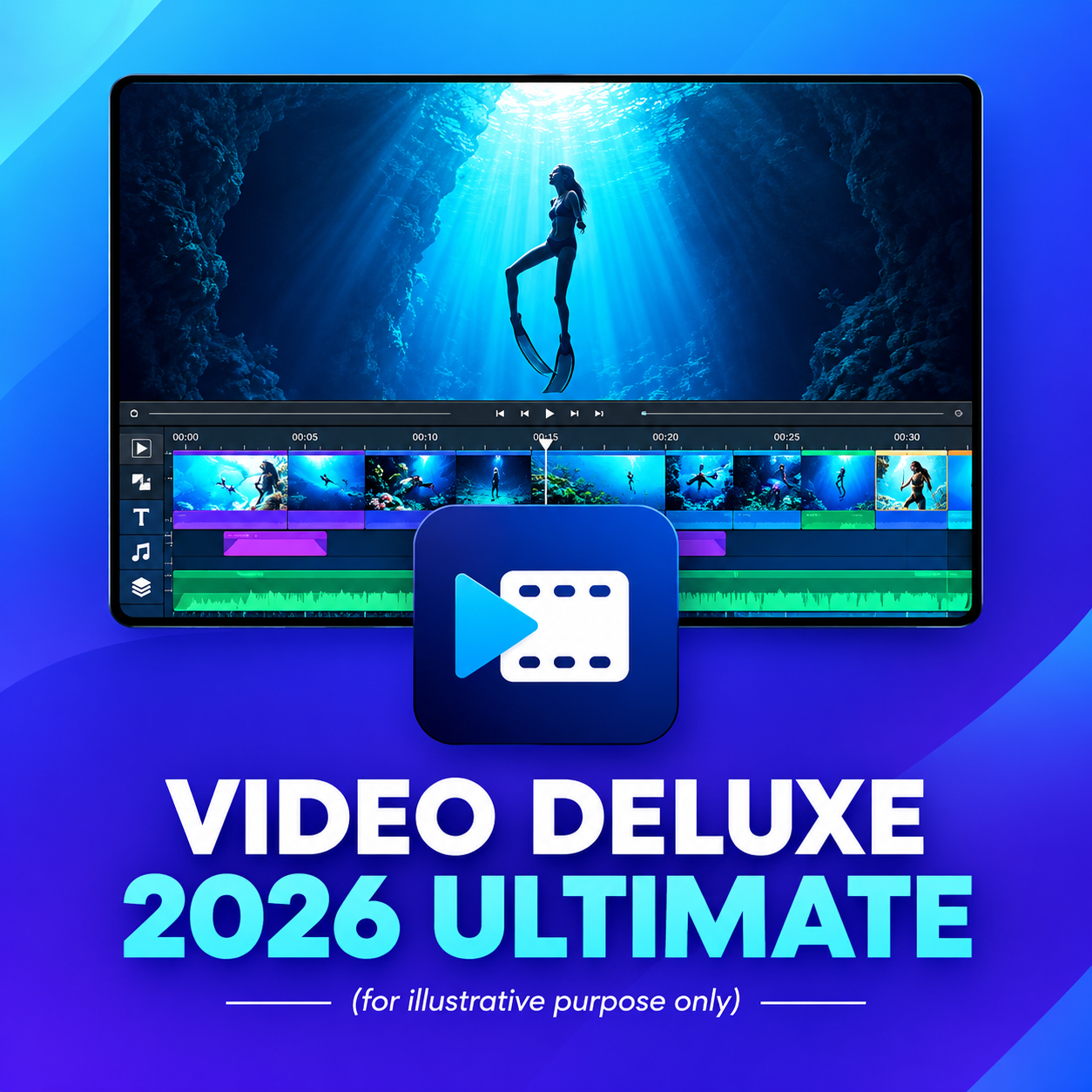
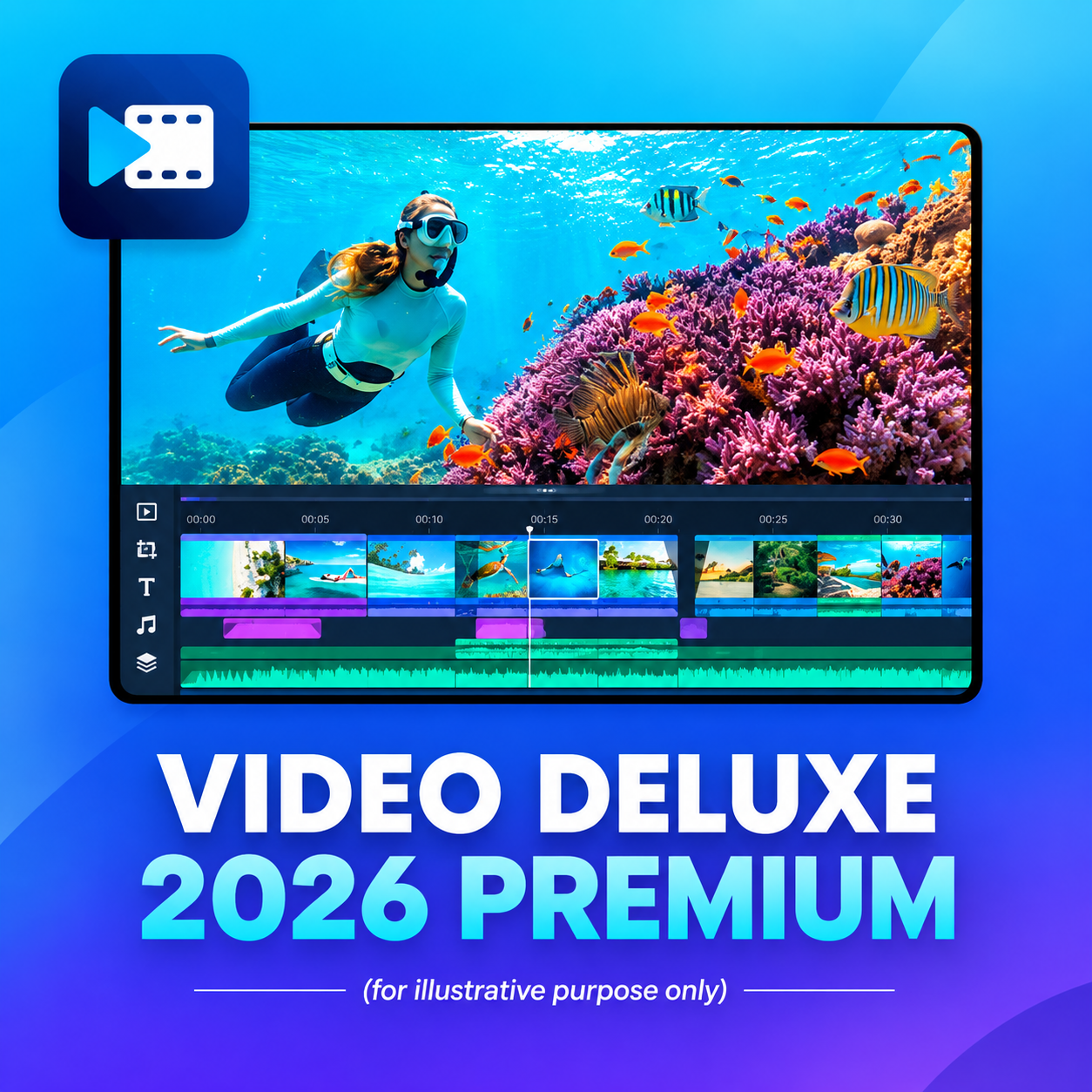
In today's digital world, visual content is crucial, and MAGIX Video Deluxe 2026 Premium offers a versatile, user-friendly solution for beginners and professionals alike. With an intuitive design, powerful features and AI-powered media management, the software makes video editing easy and efficient without a steep learning curve.
Thanks to a clearly structured workflow, creative effects and helpful templates, users can quickly create impressive videos - conveniently and professionally at the same time. MAGIX Video Deluxe 2026 Premium is the perfect choice for taking video projects to the next level.
| Functions | Video Deluxe 2026 Plus | Video Deluxe 2026 Premium | Video Deluxe 2026 Ultimate |
|---|---|---|---|
| Working environment | Seamless and fluid working in the clear all-in-one media window | Seamless and fluid working in the clearly arranged all-in-one media window | All features of the Plus version |
| Performance | Fast export and smooth playback thanks to the INFUSION engine | Fast export and smooth playback thanks to the INFUSION Engine | Fast export and smooth playback thanks to the INFUSION Engine |
| AI-supported tools | Automatic subtitles and realistic voiceovers | Automatic subtitles and realistic voiceovers | More voiceovers and subtitles (text-to-speech, speech-to-text) |
| AI effects | Improved image quality and individual visual styles | Improved image quality and individual visual styles + proDAD VitaScene V5 Pro (1,700 effects & filters) | All AI effects plus additional professional filters & add-ons |
| Color correction | Precise color correction and automatic filters for impressive film looks | Precise color correction and automatic filters for impressive film looks | All features of the Plus version |
| Templates & editing sequences | Templates for projects, editing sequences and exports - also for social media | Templates for projects, editing sequences and exports - also for social media | All features of the Plus version |
| Effects, transitions & titles | Over 2,000 effects, transitions, templates, titles plus integrated image stabilization | Over 2,000 effects, transitions, templates, titles plus integrated image stabilization | Over 2,000 effects plus over 100 additional effects and transitions |
| Royalty-free content | Access to over 1 million royalty-free video and audio content | Access to over 1 million royalty-free video and audio content | Additional stock content and downloads |
| MultiCam editing | MultiCam editing with up to 4 cameras | MultiCam editing with up to 4 cameras | MultiCam editing with up to 4 cameras |
| Additional creative content | Integrated in-app store with creative content | Integrated in-app store with creative content |
|
| SYSTEM REQUIREMENTS | DETAILS |
|---|---|
| All MAGIX programs are developed to be user-friendly so that all basic functions run stably and are fully operable even on less powerful computers. Some advanced program functions place higher demands on the performance of your computer. To be able to use these functions without restrictions and with maximum comfort, your computer should at least meet the recommended requirements. You can check the technical data of your computer in the control panel of your operating system. | |
| Recommended for HD |
|
| Recommended for 4K |
|
| Recommended for AI |
|
| Supported formats | Import Video: (DV-)AVI, MJPEG, MKV, MPEG 2/4 (HEVC/ H.265), AV1, MOV, WMV(HD) Audio: MP3, OGG, WAV, WMA Image: BMP, GIF, JPEG, PNG, TIF, TGA, HEIF Resolution: SD, HD, 4K, 8K Export Video: (DV-)AVI, MJPEG, MPEG 2/4 (HEVC/H.265), AV1, WMV(HD) Audio: *MP3, WAV *The MP3 export requires the installation of Windows Media Player version 10 or higher. Image: JPEG, BMP Other: DVD, Blu-ray Disc, AVCHD Disc Resolution: SD, HD, 4K, 8K (Disc max. in HD resolution) |
| Further information: Internet connection |
|