
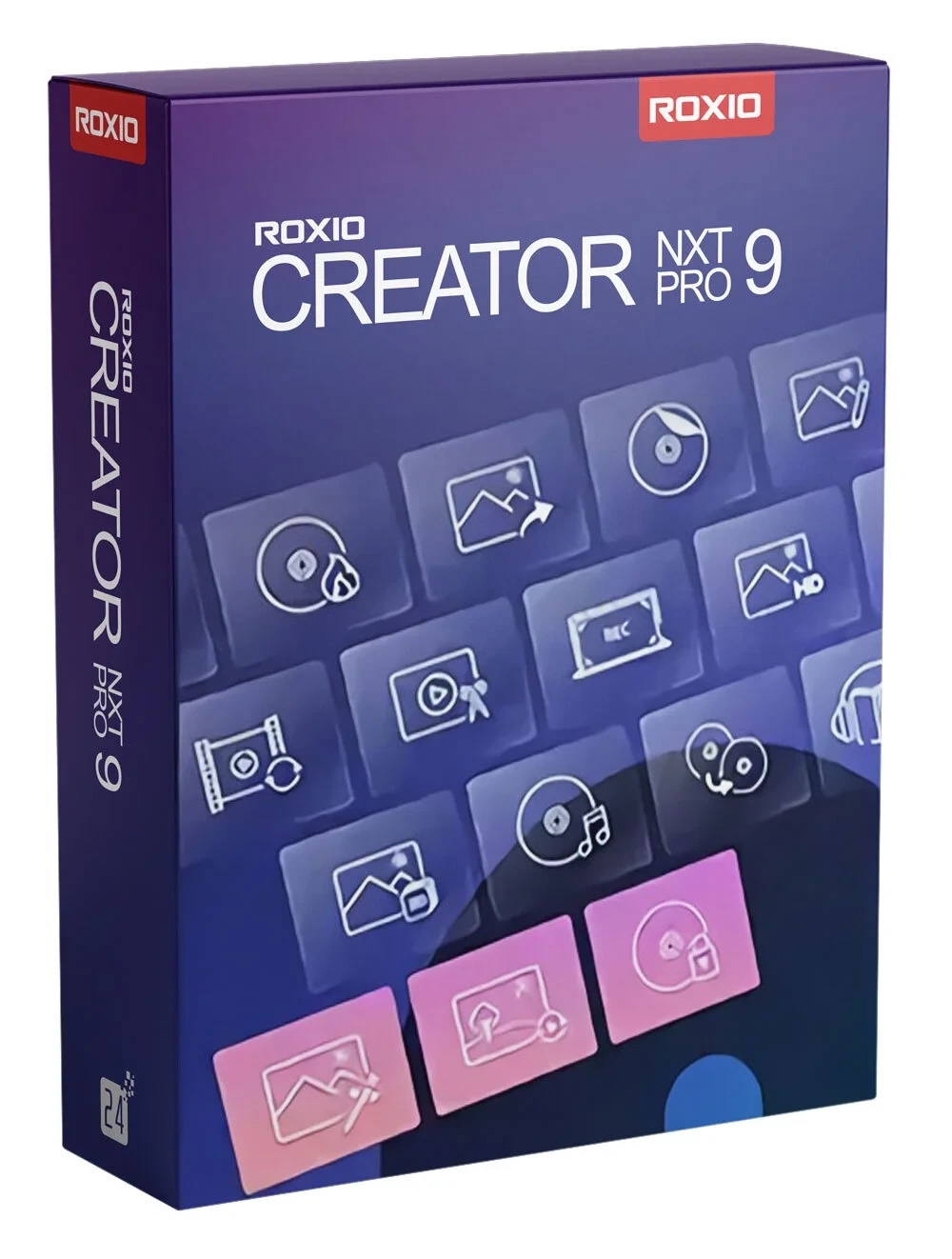
Roxio Creator NXT Pro 9
Roxio Creator® NXT Pro 9 offers more value and more versatility than ever before. By combining more than 25 Roxio products into a single program, Creator NXT Pro 9 can meet all your creative and digital needs. Record your screen and capture video from multiple cameras. Enhance photos with Corel PaintShop Pro 2021 and AfterShot 3, and create fascinating photo animations with PhotoMirage Express. Enjoy easy CD/DVD burning with encryption with WinZip Secure Burn 5 and clean up your hard drive with Roxio Genie. It's all in there.
-

Avast Premium Security
AED 49.00 -
Panda Dome Complete 1 Device 1 Year
AED 49.00 -
AVG Internet Security
AED 29.00 -
Bitdefender Total Security
AED 49.00 -
Panda Dome Essential 1 Device 1 Year
AED 29.00



Enjoy the fast and powerful multimedia suite for creative transformation of your digital media
Easy and versatile video editing
Edit and create HD videos with VideoWave, the advanced video editing software. Add video filters, titles, and credits, or create picture-in-picture effects. Rotate videos with one click, trim videos, or automatically adjust color, brightness, and contrast.
Capture video
Capture* video and other media files from discs, older devices, or files in old formats. Whatever the source, if you can see or hear it, you can capture it.
Enhance your video with music
VideoWave video editing software gives you access to the ScoreFitter music library, which offers a wide selection of royalty-free original songs and effects to enhance the mood of your movies. ScoreFitter automatically adjusts the track to match the length of your movie.
Visual options: Split-screen videos, motion tracking, and transparency
View multiple videos at once with templates or custom themes. Create an overlay effect or custom fade transitions, and easily overlay tracks. Track, label, or blur an object with easy-to-use motion tracking tools. Travel to exotic locations without leaving home with the green screen tool.
Convert360° video to standardvideo
Convert 360° video for playback on standard devices and determine the angle your audience sees. Convert equal-angle, double-angle, and single fisheye footage.
Convert and share
Convert your media to popular formats for easy playback on your favorite devices, sharing, or uploading to online platforms.
*Does not capture, copy or rip copyrighted or proprietary media.
- Internet connection required for product installation, registration, product updates, and some features
- Microsoft Windows 11, Microsoft Windows 10, 64-bit required for some features
- Hard drive with at least 4 GB of free space for installation
- Multi-core processor is strongly recommended:
For data burning and copying, audio recording and editing: Intel® 1.6 GHz Pentium 4 processor or equivalent AMD processor, 1 GB RAM
For video or photo editing, conversion, and playback: Intel Pentium 4 processor at 2 GHz or equivalent AMD processor and 2 GB RAM - 1024x768 DirectX 9.0c compatible graphics card with at least 16-bit color settings, sound card, DVD-ROM drive
- To burn and copy discs:
A 64-bit operating system is required to create MyDVD video discs.
For DVD and BD copying and video editing and creation, a large amount of free disk space is required, up to 10 GB. - For video capture:
MultiCam Capture requires a 64-bit operating system
OHCI-compliant IEEE 1394 FireWire card for use with DV cameras or Roxio Video Capture USB for analog sources
Related products
Adobe Acrobat Pro DC 1 Year 1 User
Adobe Acrobat Standard DC 1 Year 1 User
Adobe Acrobat Pro 2020 Perpetual (Life Time) 1 User
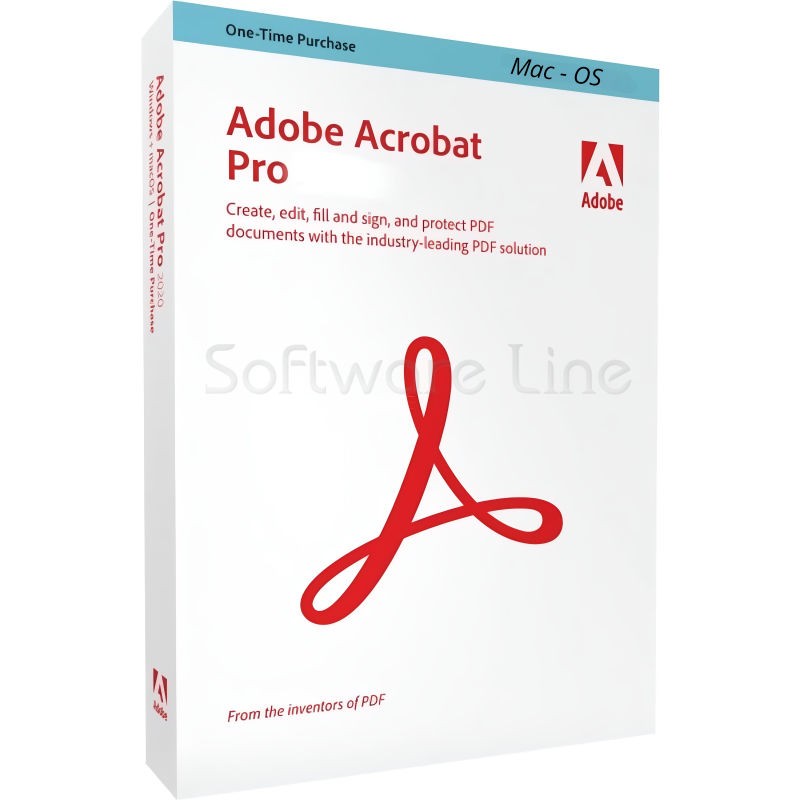
Adobe Acrobat Pro 2020 Perpetual (Life Time) 1 User
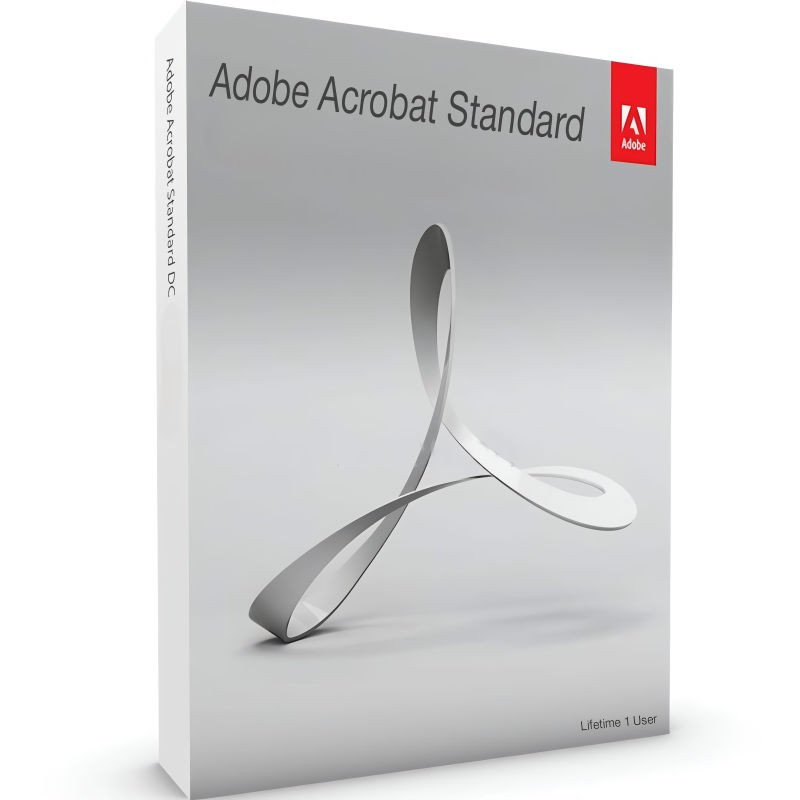
Adobe Acrobat Standard 2020 Perpetual (Life Time) 1 User
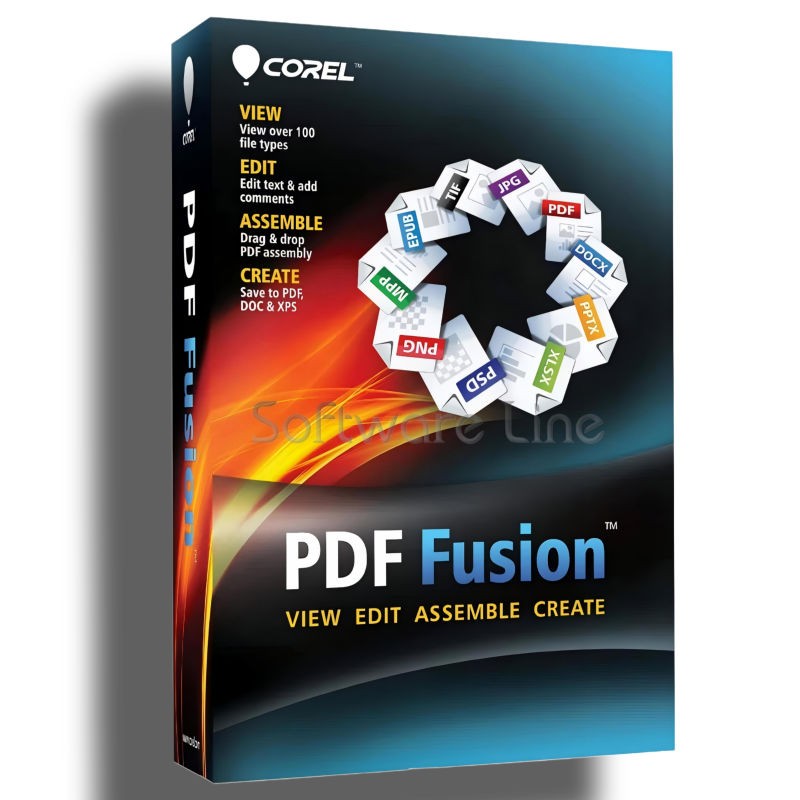
Corel PDF Fusion One-Time Purchase
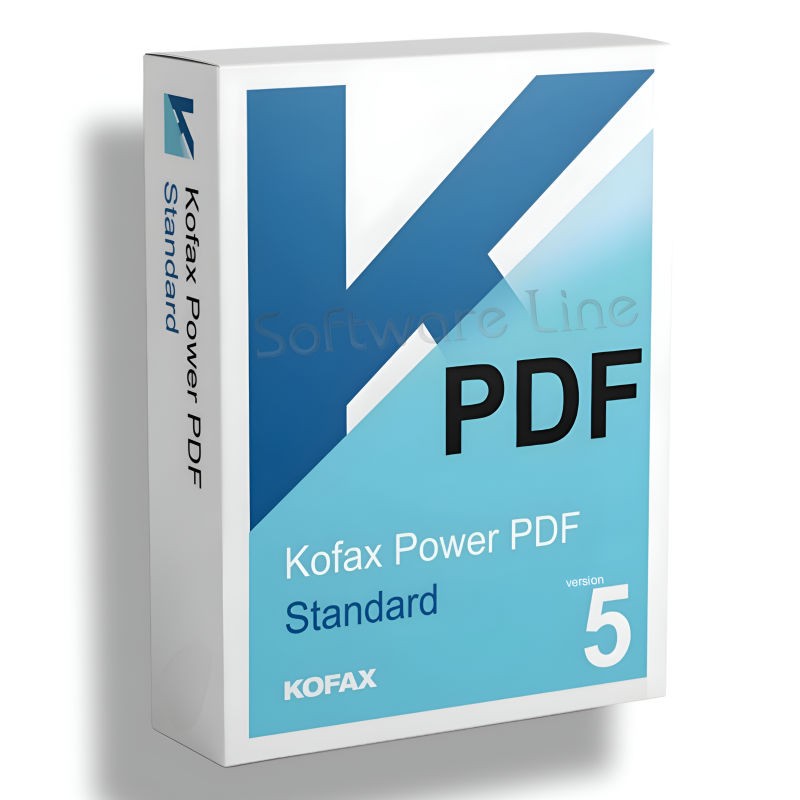
Kofax Power PDF Standard V5 | WIN (One-Time Purchase)
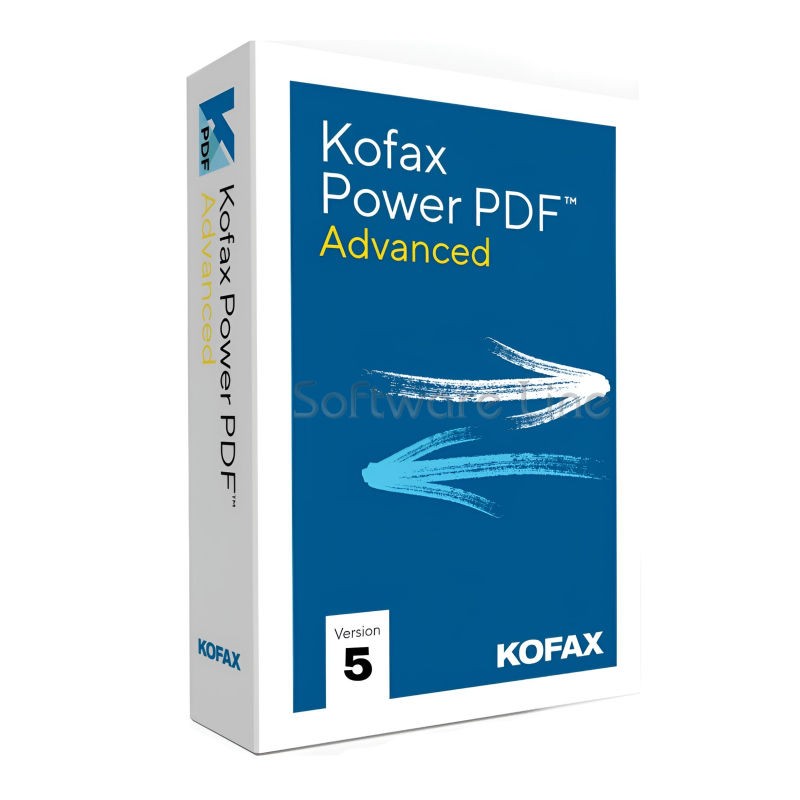
Kofax Power PDF Advance V5 | WIN (One-Time Purchase)
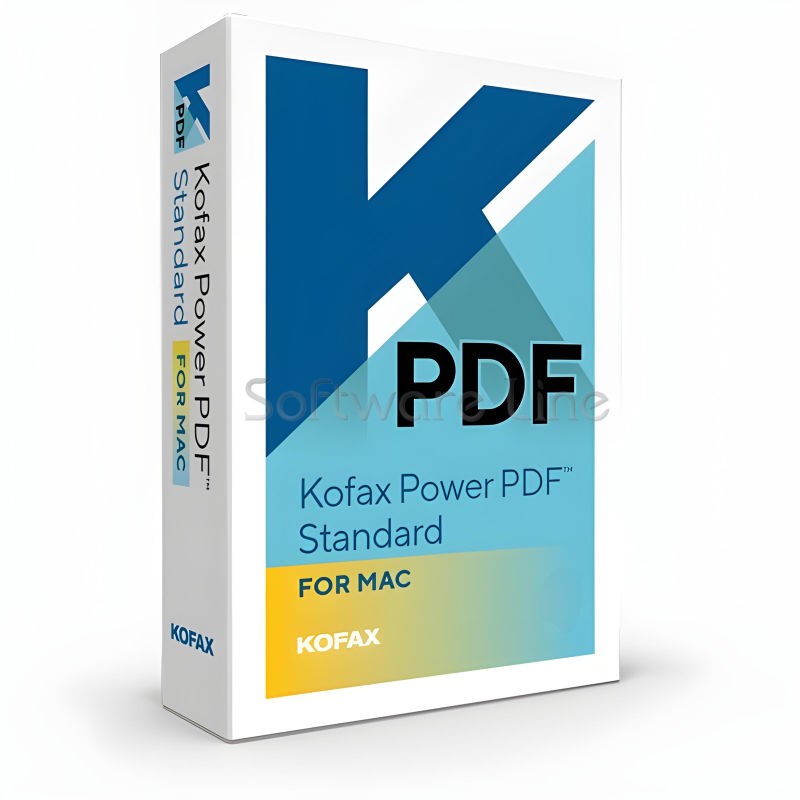
Kofax Power PDF for MAC (One-Time Purchase)
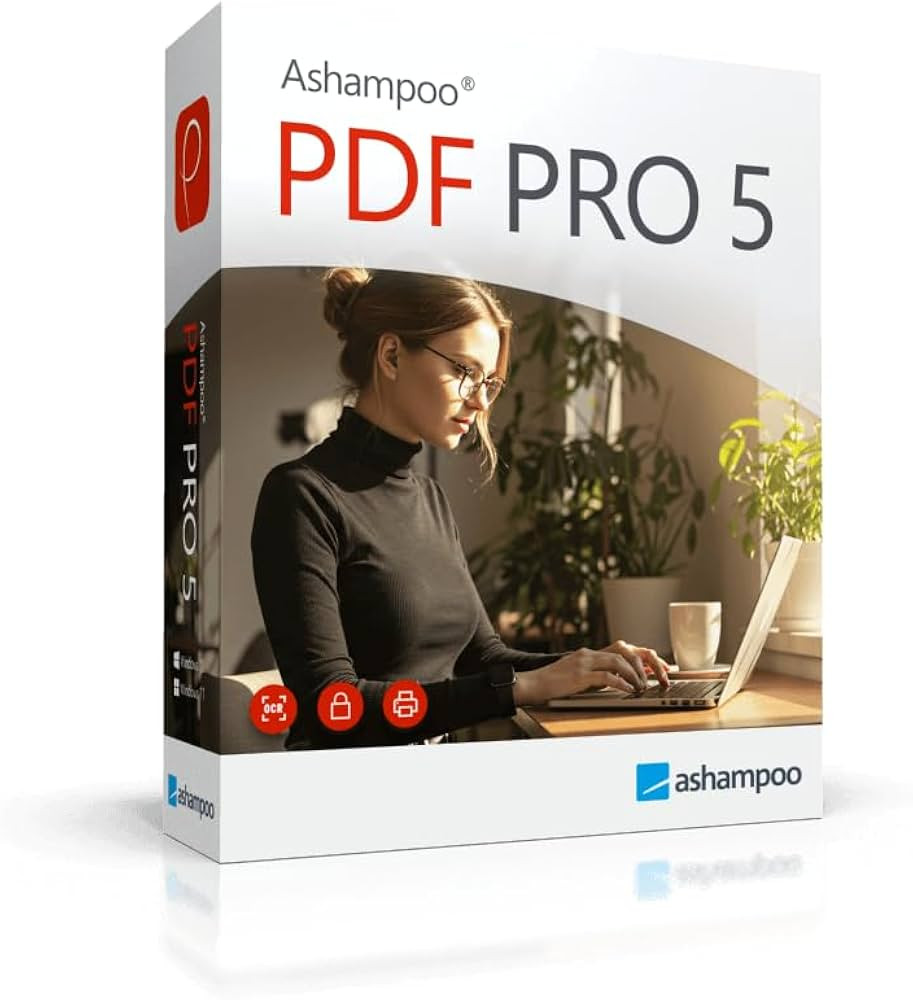
Ashampoo PDF Pro 5 | Windows

Copyright © 2003-2018. Software Line Trading LLC. All rights reserved. Software Line, the Software Line logo are trademarks or registered trademarks of Software Line. All products, articles, brands, and logos of the manufacturers represented on this website may be subject to the trademarks and copyrights of the respective companies.

Contact Info
- Address: M17-A, Computer Plaza, Al-Ain Center, Mankhool Street, Bur Dubai P.O. Box # 44614, Dubai (UAE)
- Phone: +971 4 3591317 / 3514175
- Email: Info@softwareline.ae