
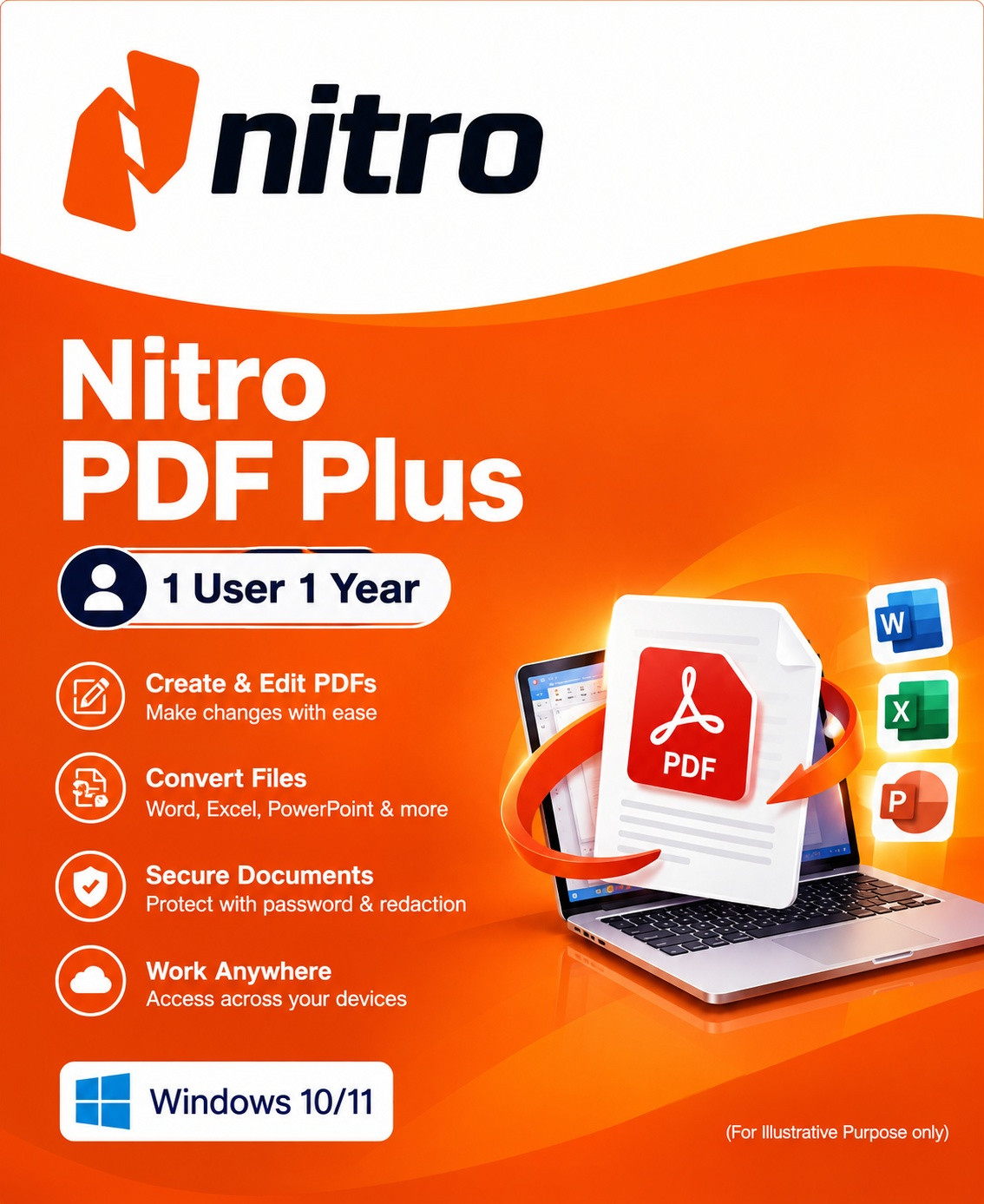
Nitro PDF Plus 1 User 1 Year
Nitro PDF Plus is a powerful solution for companies that want to transform and optimize their digital workflows. With advanced PDF editing capabilities and comprehensive analytics, Nitro PDF Plus enables a significant increase in efficiency and productivity.
Designed specifically for teams in larger organizations, Nitro PDF Plus offers seamless PDF creation, editing and collaboration. This is complemented by high security standards, personalized support and actionable insights that ensure a measurable return on investment.
-

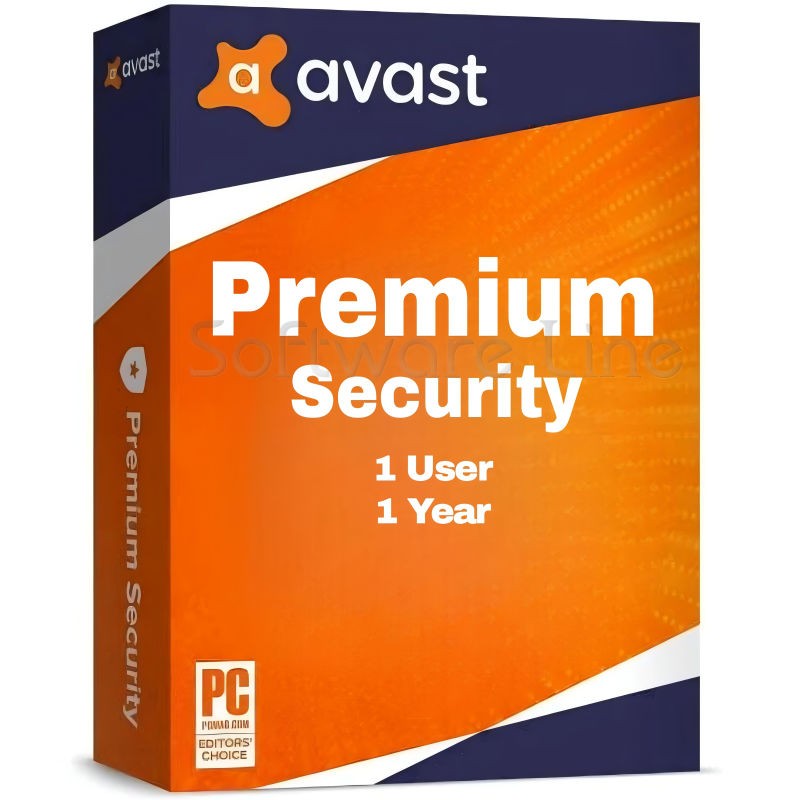
Avast Premium Security
AED 49.00 -
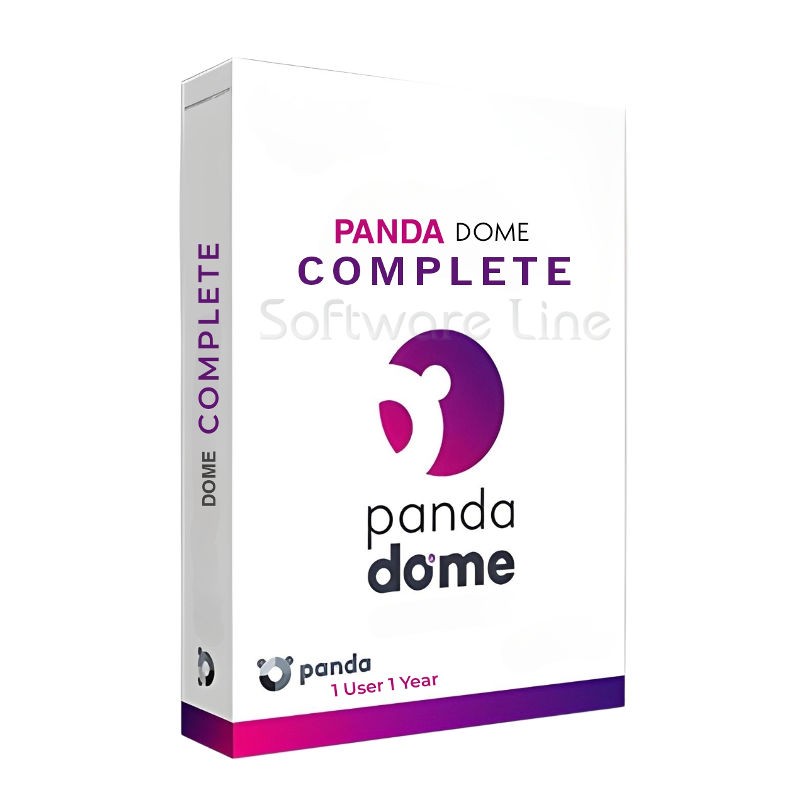
Panda Dome Complete 1 Device 1 Year
AED 49.00 -
AVG Internet Security
AED 29.00 -
Bitdefender Total Security
AED 49.00 -
Panda Dome Essential 1 Device 1 Year
AED 29.00

Advanced PDF editing
The Nitro PDF Plus subscription makes it easy to create, edit, convert, merge and share PDF documents. Thanks to seamless integration with your organization's existing storage solutions, workflows can be made much more efficient.
Enterprise-grade security and control
Integrate Azure Information Protection for advanced security features and simplify user management with single sign-on (SSO) and domain control.
Advanced analytics Gain valuable insights into PDF software usage, ROI and sustainability savings with Nitro Analytics.
Platform requirements System requirements
Windows Operating system: Windows 11 or Windows 10
Server Windows Server 2016 / 2019
Processor: 1.5 GHz or faster
RAM: 1 GB
Hard disk space: 4.5 GB
Screen resolution: 1024x768
MS Office: 2013 / 2016 / 2019 (32- & 64-bit)
Microsoft Edge WebView2 (installer required)
Optional video hardware acceleration
Windows Deployment Client & server-side deployment with AD, SCCM or MSI
Command line installation & silent activation
Supports VDI (Citrix, VMware, RDS, App-V)
Roaming profiles for location-independent access
macOS Operating system: macOS 10.14 (Mojave) or newer
Processor: Intel 64-bit, Apple M1 or newer
RAM: 1 GB
Hard disk space: up to 2 GB
Resolution: at least 1280x800 (13.3" display)
macOS deployment Management via MDM + Apple Business
Manager/School Manager
Distribution via macOS Server or Apple Remote Desktop (ARD)
iPad & iPhone iPadOS 15 or newer
iOS 15 or newer
iOS deployment MDM deployment via ABM / ASM
Related products
Adobe Acrobat Pro DC 1 Year 1 User
Adobe Acrobat Standard DC 1 Year 1 User
Adobe Acrobat Pro 2020 Perpetual (Life Time) 1 User
Adobe Acrobat Pro 2020 Perpetual (Life Time) 1 User
Adobe Acrobat Standard 2020 Perpetual (Life Time) 1 User
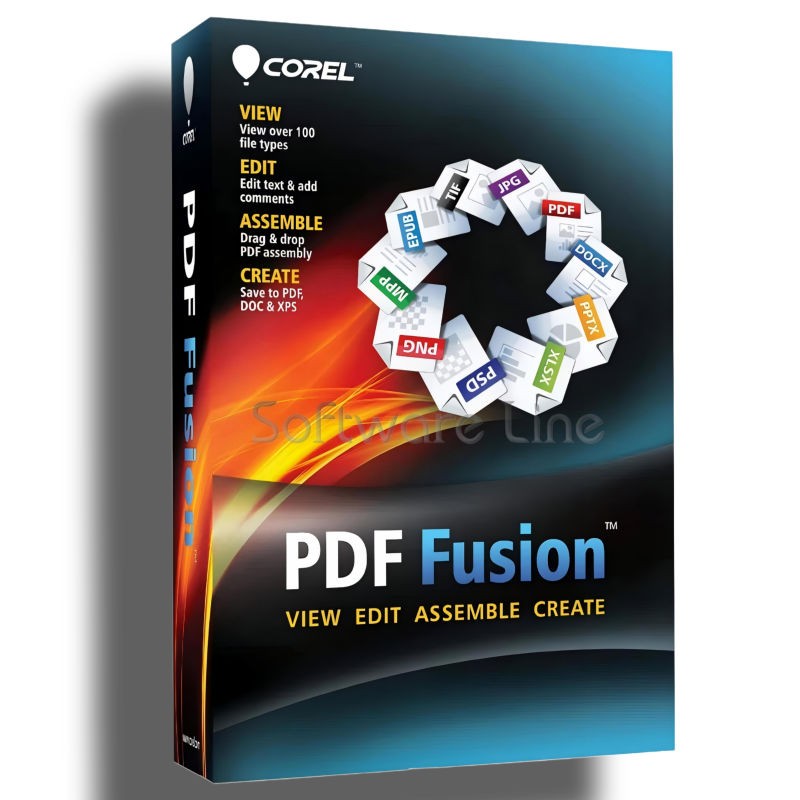
Corel PDF Fusion One-Time Purchase
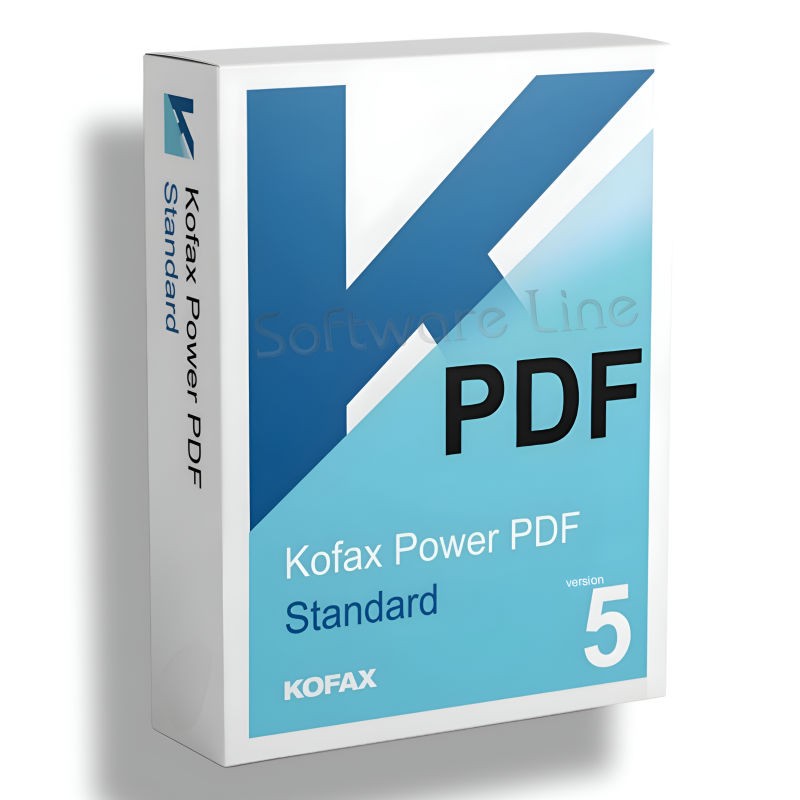
Kofax Power PDF Standard V5 | WIN (One-Time Purchase)
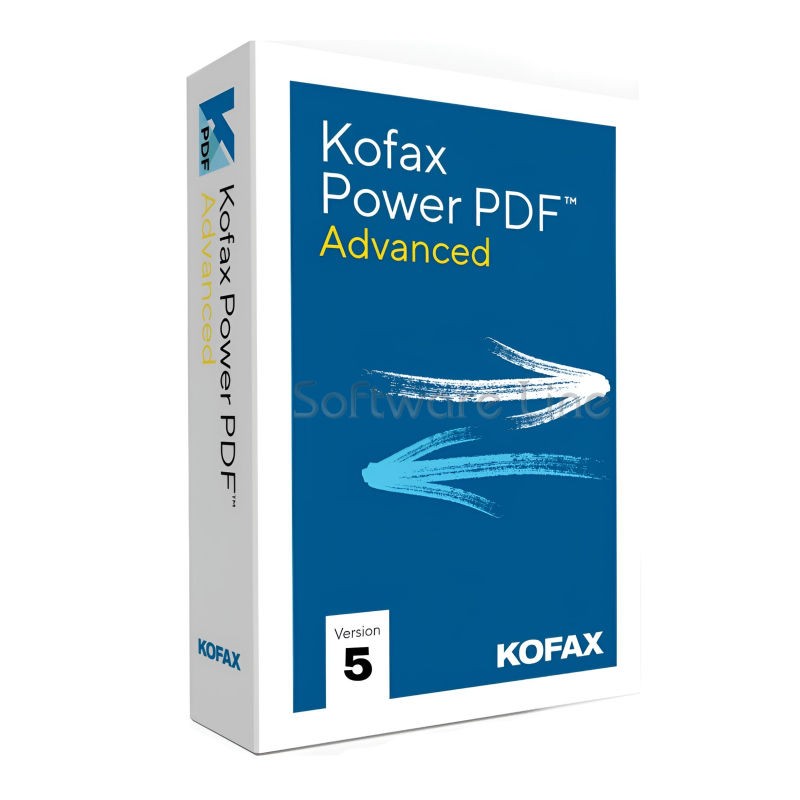
Kofax Power PDF Advance V5 | WIN (One-Time Purchase)
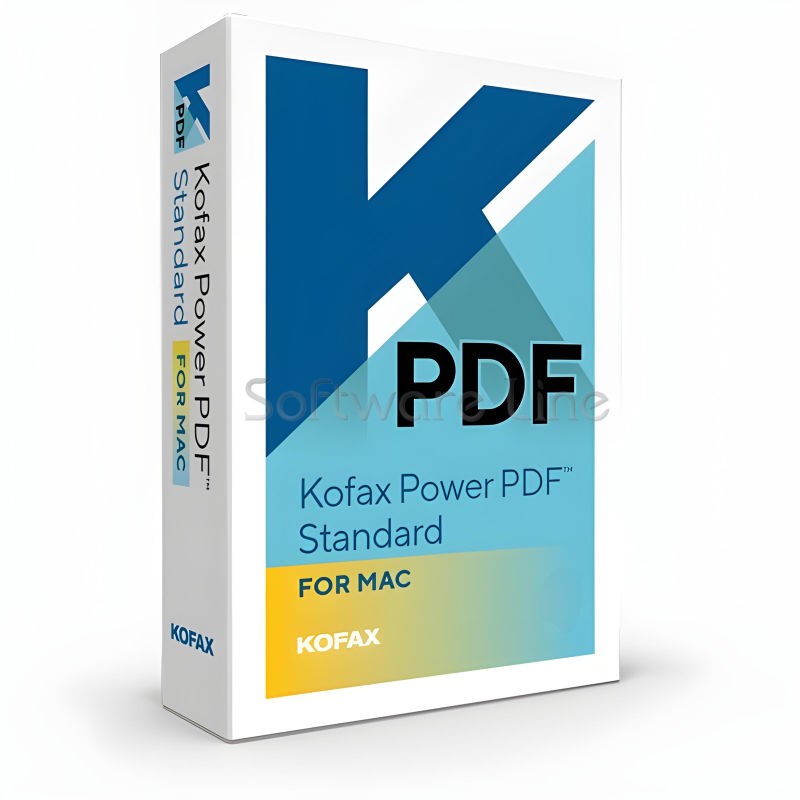
Kofax Power PDF for MAC (One-Time Purchase)
Ashampoo PDF Pro 5 | Windows

Copyright © 2003-2018. Software Line Trading LLC. All rights reserved. Software Line, the Software Line logo are trademarks or registered trademarks of Software Line. All products, articles, brands, and logos of the manufacturers represented on this website may be subject to the trademarks and copyrights of the respective companies.

Contact Info
- Address: M17-A, Computer Plaza, Al-Ain Center, Mankhool Street, Bur Dubai P.O. Box # 44614, Dubai (UAE)
- Phone: +971 4 3591317 / 3514175
- Email: Info@softwareline.ae