
Corel WinZip Pro

WinZip 30 Pro is a versatile tool that is much more than just a classic compression programme. The latest version is faster, more intuitive and offers numerous automated functions that make our everyday digital work easier. Regardless of whether we want to open large archives, protect confidential documents, organise extensive folder structures or share large files smoothly with others - WinZip 30 Pro offers us a modern, efficient and secure solution.
Not only can we compress our files to save space, but we can also protect them, organise them clearly and share them directly. This increases our productivity and ensures that important information is always available in a secure and structured way.
-

Avast Premium Security
AED 49.00 -
Panda Dome Complete 1 Device 1 Year
AED 49.00 -
AVG Internet Security
AED 29.00 -
Bitdefender Total Security
AED 49.00 -
Panda Dome Essential 1 Device 1 Year
AED 29.00



New: Secure FTP file transfer (SFTP)
Files can now be securely transferred via industry standard SFTP - fully encrypted and optimally protected for confidential company and personal data.
New: Simplified navigation menu
Switch flexibly between a clear, simple ribbon and an extended interface with all WinZip tools - perfect for beginners and professionals.
Improved: PDF management
PDF Express now offers even better comments, signature frames and editing functions - for structured collaboration and more efficient document processes.
Improved: Batch extraction
Extract multiple archives in one step - saves an enormous amount of time, reduces work steps and ensures smoother processes.
Optimised: Recognise duplicate files
Files can now also be filtered by size. This makes tidying up more precise and optimises storage space more effectively.
Optimised: Image management
The Image Manager converts images faster and saves them directly as PDFs - fewer clicks, less effort, more overview.
Simplified: File exchange
Compress, encrypt, convert and share - now all from one centralised view. SafeShare adds expiry dates, password protection, watermarks and PDF merge.
Optimised: Secure e-mail transfer WinZip Courier has been improved and offers a more stable configuration, clearer settings and more secure file transfer via e-mail.
Operating system Windows 10 and Windows 11 (64-bit)
Minimum processor 1 GHz or faster compatible processor
RAM At least 2 GB RAM (for 64-bit)
Disk space At least 235 MB available hard disk space
Other requirements .NET Framework 4.6
Microsoft Edge or higher as minimum browser version
DirectX 9 or newer with WDDM 1.0 driver
Screen resolution at least 800 × 600 pixels
Active internet connection required for single user licenses
Related products
Adobe Acrobat Pro DC 1 Year 1 User
Adobe Acrobat Standard DC 1 Year 1 User
Adobe Acrobat Pro 2020 Perpetual (Life Time) 1 User
Adobe Acrobat Pro 2020 Perpetual (Life Time) 1 User
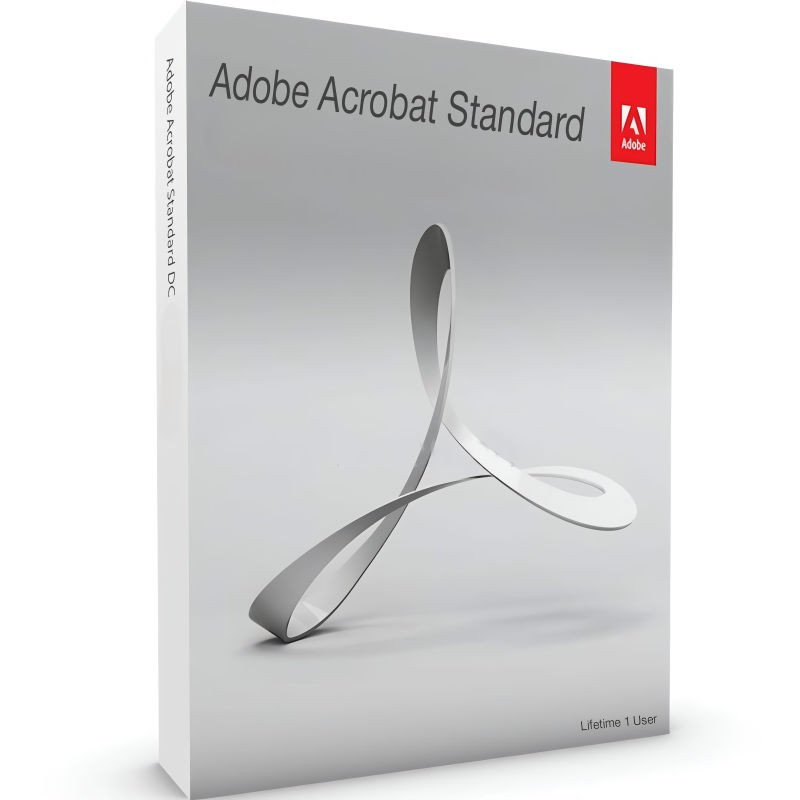
Adobe Acrobat Standard 2020 Perpetual (Life Time) 1 User
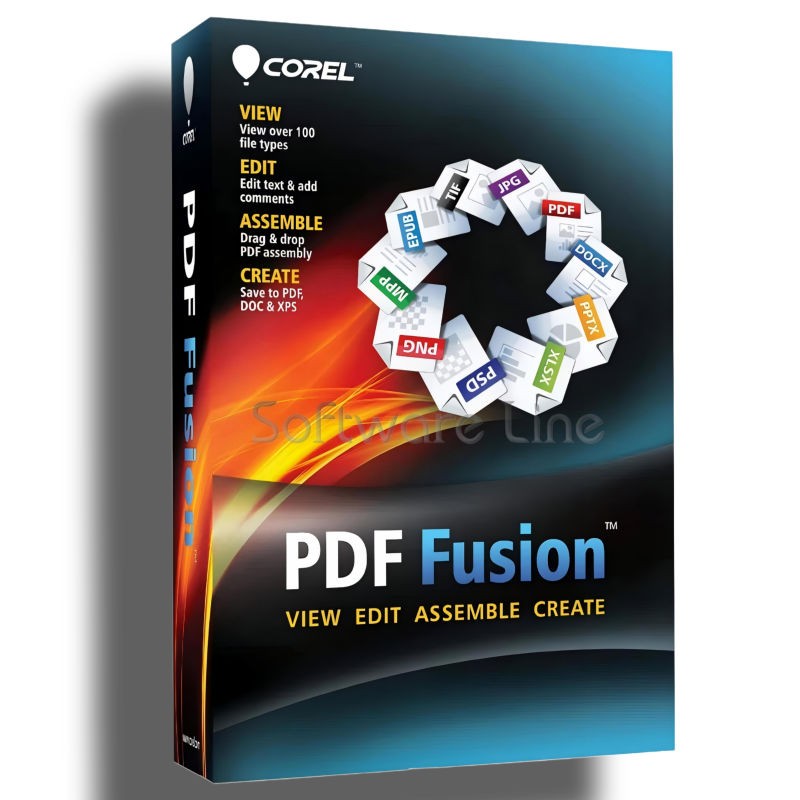
Corel PDF Fusion One-Time Purchase
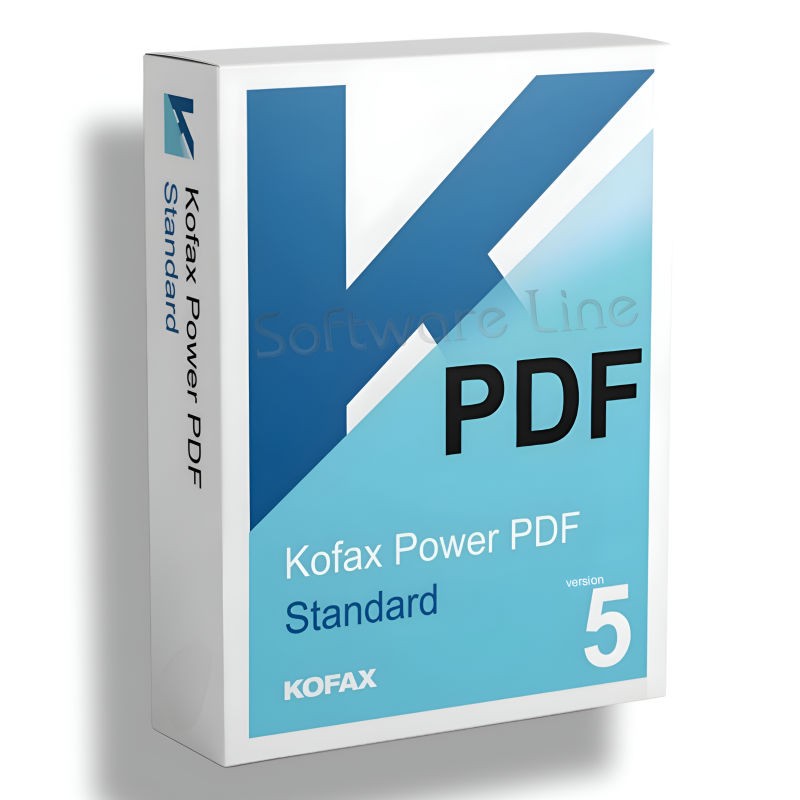
Kofax Power PDF Standard V5 | WIN (One-Time Purchase)
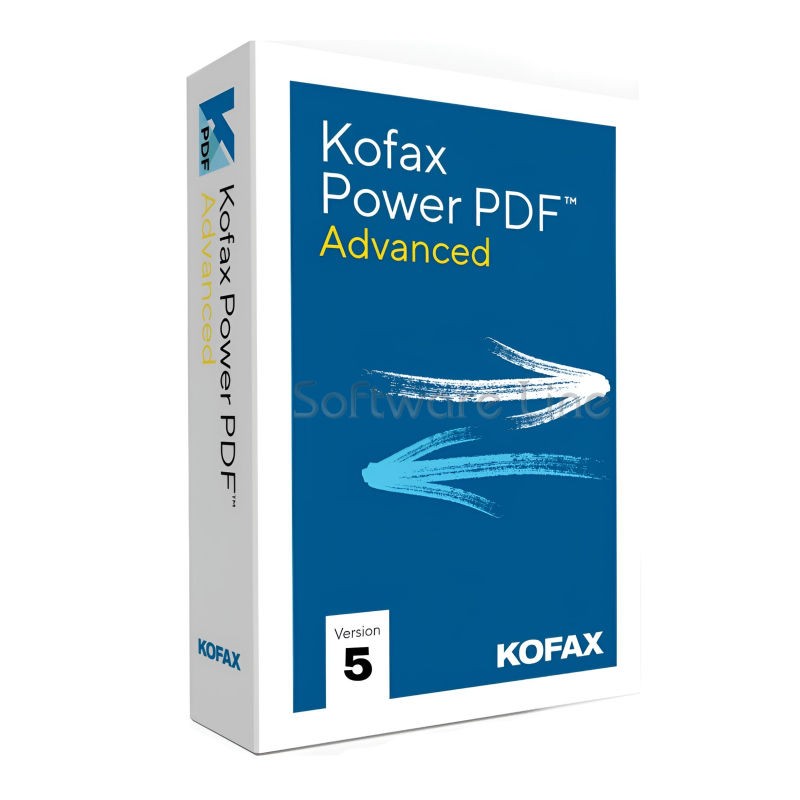
Kofax Power PDF Advance V5 | WIN (One-Time Purchase)
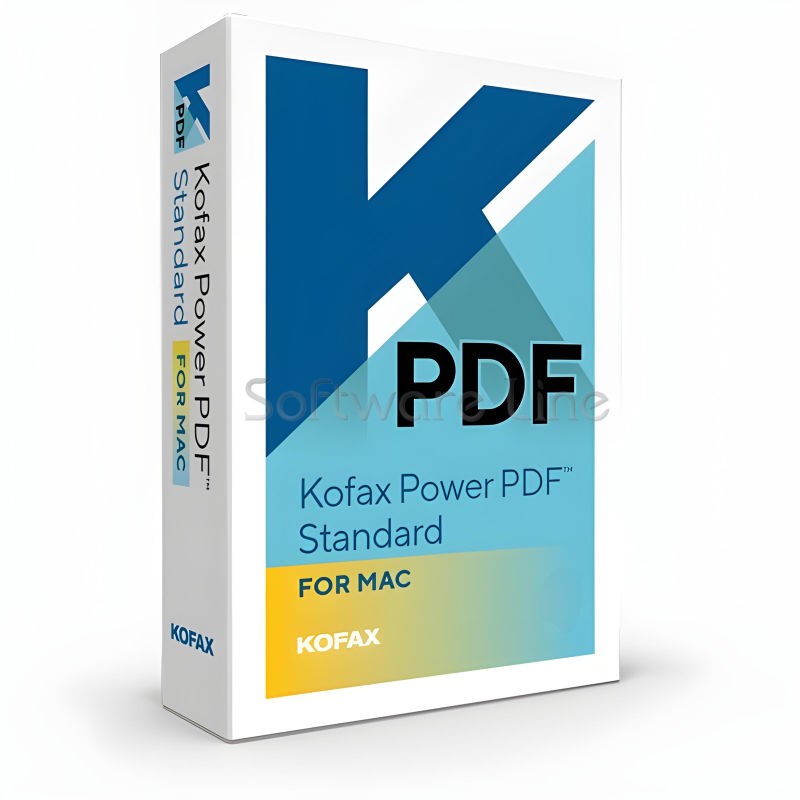
Kofax Power PDF for MAC (One-Time Purchase)
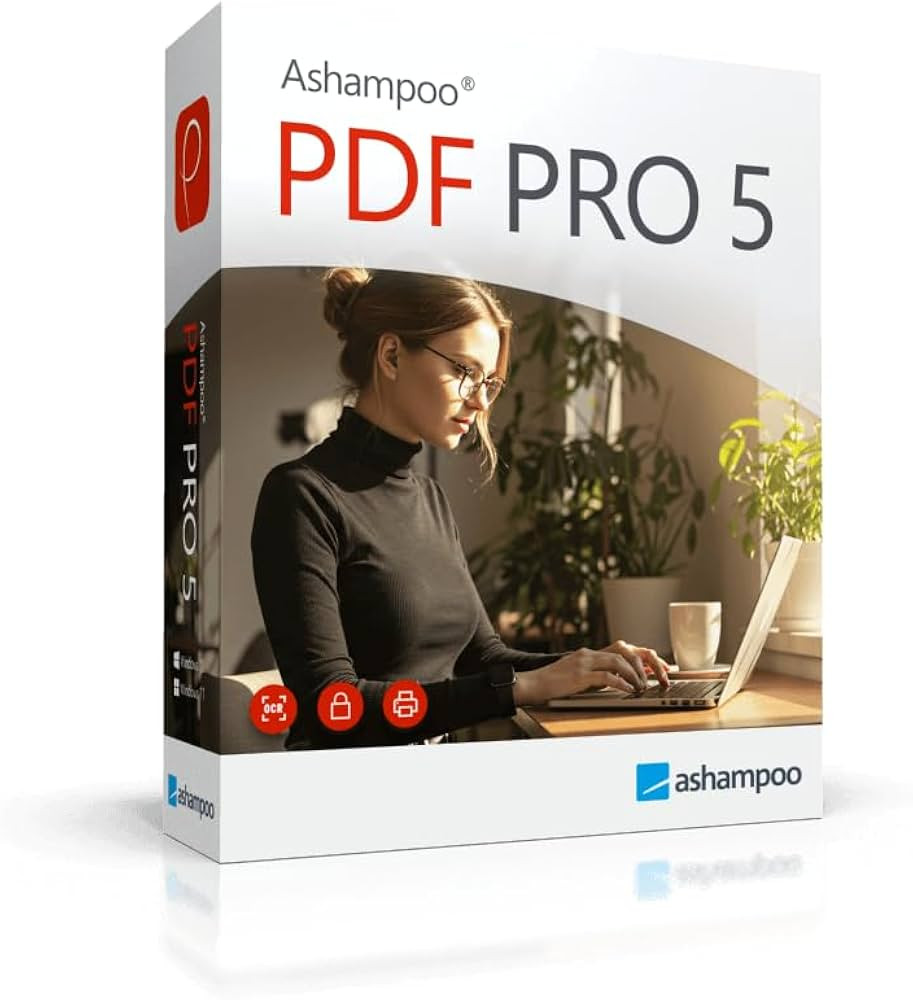
Ashampoo PDF Pro 5 | Windows

Copyright © 2003-2018. Software Line Trading LLC. All rights reserved. Software Line, the Software Line logo are trademarks or registered trademarks of Software Line. All products, articles, brands, and logos of the manufacturers represented on this website may be subject to the trademarks and copyrights of the respective companies.

Contact Info
- Address: M17-A, Computer Plaza, Al-Ain Center, Mankhool Street, Bur Dubai P.O. Box # 44614, Dubai (UAE)
- Phone: +971 4 3591317 / 3514175
- Email: Info@softwareline.ae