
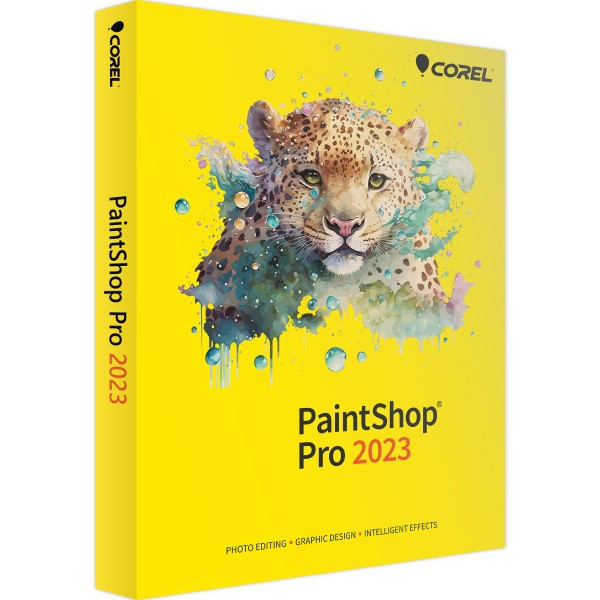
Corel PaintShop Pro 2023
Based on the Best-Software.de product page, Corel PaintShop Pro 2023 is a powerful and affordable photo editing software for Windows. It is designed for beginners, hobbyists, photographers, and creative professionals who need advanced image editing features without paying a monthly subscription. The software combines AI-powered tools, RAW photo editing, graphic design features, and an intuitive interface to simplify photo enhancement and creative projects.
-

Avast Premium Security
AED 49.00 -
Panda Dome Complete 1 Device 1 Year
AED 56.19 -
Norton 360
AED 75.24 -
AVG Internet Security
AED 29.00 -
PDF-XChange Tools 1 User 1 Year | Windows
AED 380.00




Advanced Photo Editing
Corel PaintShop Pro 2023 offers a complete set of professional editing tools to:
Crop, resize, and rotate images
Adjust brightness, contrast, and colors
Remove unwanted objects
Retouch portraits
Restore old or damaged photos
Apply creative effects and filters
It is suitable for both casual users and experienced photo editors.
AI-Powered Editing Tools
The software includes several AI-based features that make editing faster and easier, such as:
AI object recognition
Automatic color and contrast adjustment
One-click photo enhancement
AI-powered noise reduction
AI upscaling
Background replacement
Portrait enhancement
These intelligent tools help users achieve professional-quality results with minimal effort.
One-Click Photo Enhancement
PaintShop Pro 2023 allows users to improve image quality instantly with one-click optimization. It automatically adjusts exposure, color balance, sharpness, and other image settings to produce better-looking photos in seconds.
RAW Photo Editing
The software includes the new AfterShot Lab, providing complete support for RAW image files. Professional photographers can edit RAW photos directly without relying on additional software, making the workflow more efficient.
Focus Stacking
A new Focus Stacking feature combines multiple photos of the same subject taken at different focus distances into a single image with greater depth of field. This is especially useful for:
Macro photography
Product photography
Landscape photography
The result is a sharper image with more areas in focus.
Operating System
Windows 11 (64-bit)
Windows 10 (64-bit)
Processor
Intel Celeron G Series or AMD Phenom II or higher
Intel Core i5 or AMD Ryzen recommended for AI features
Memory
Minimum 4 GB RAM
8 GB RAM recommended for AI-powered features
Storage
Approximately 3 GB free disk space
4 GB recommended
Graphics
DirectX 11 compatible graphics card
DirectX 12 recommended for GPU acceleration
Display
Minimum resolution: 1366 × 768
Full HD (1920 × 1080) recommended
Internet
Required for installation, activation, and online features.
Related products
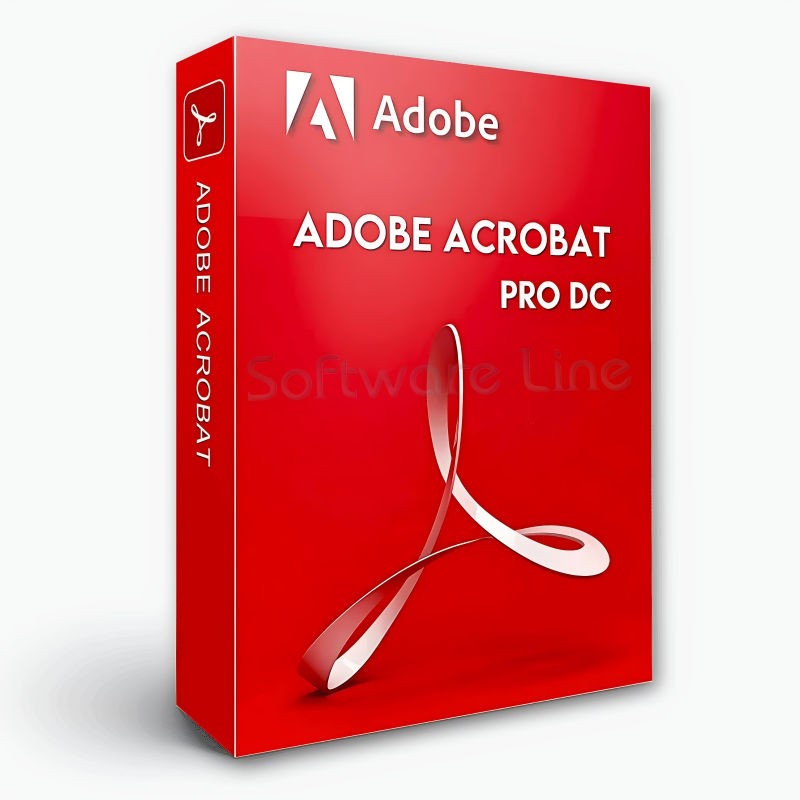
Adobe Acrobat Pro DC 1 Year 1 User
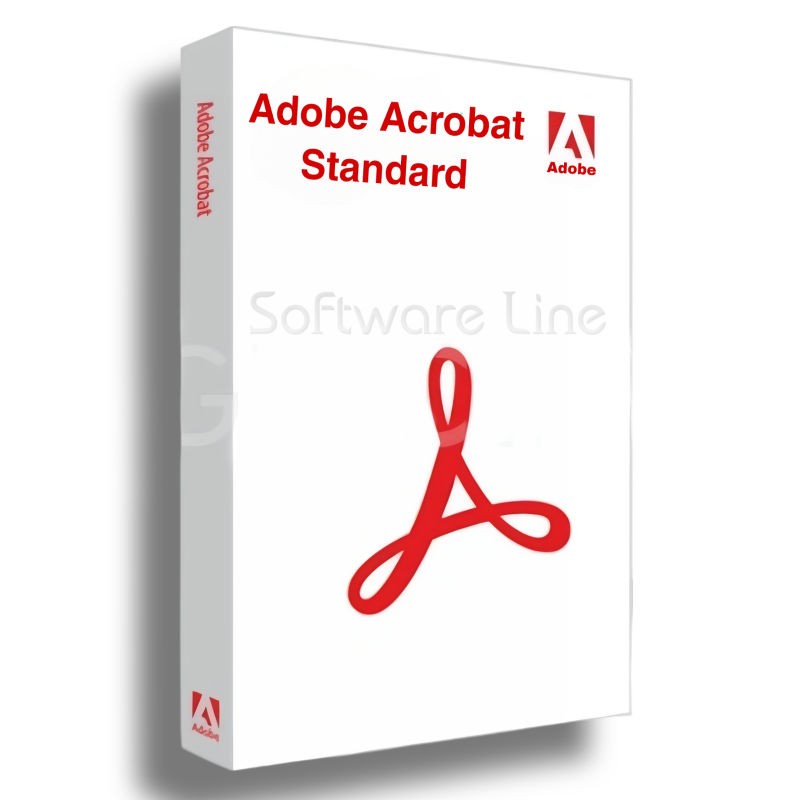
Adobe Acrobat Standard DC 1 Year 1 User

Adobe Acrobat Pro 2020 Perpetual (Life Time) 1 User
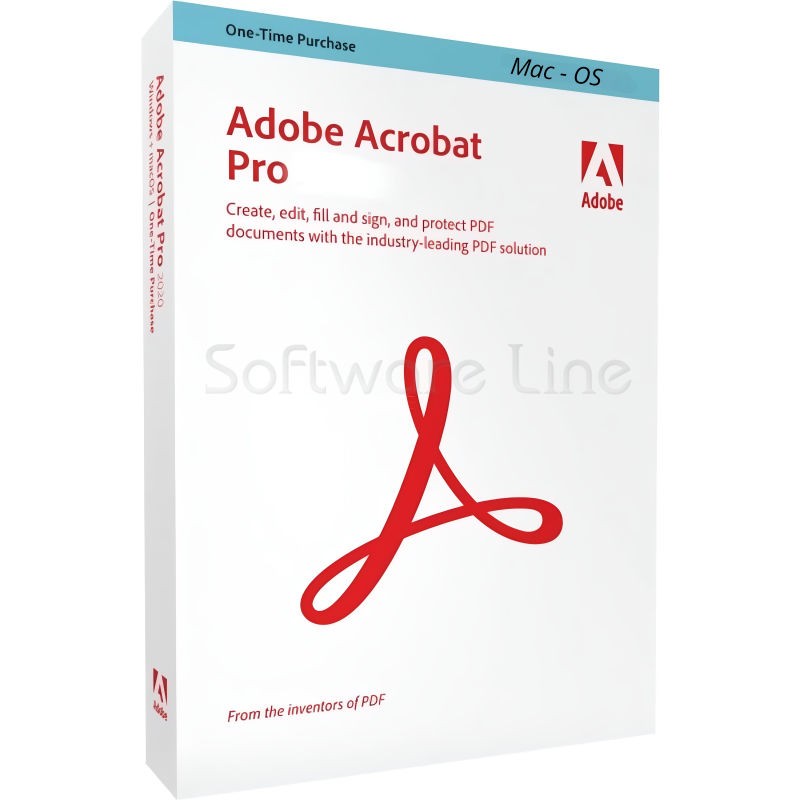
Adobe Acrobat Pro 2020 Perpetual (Life Time) 1 User
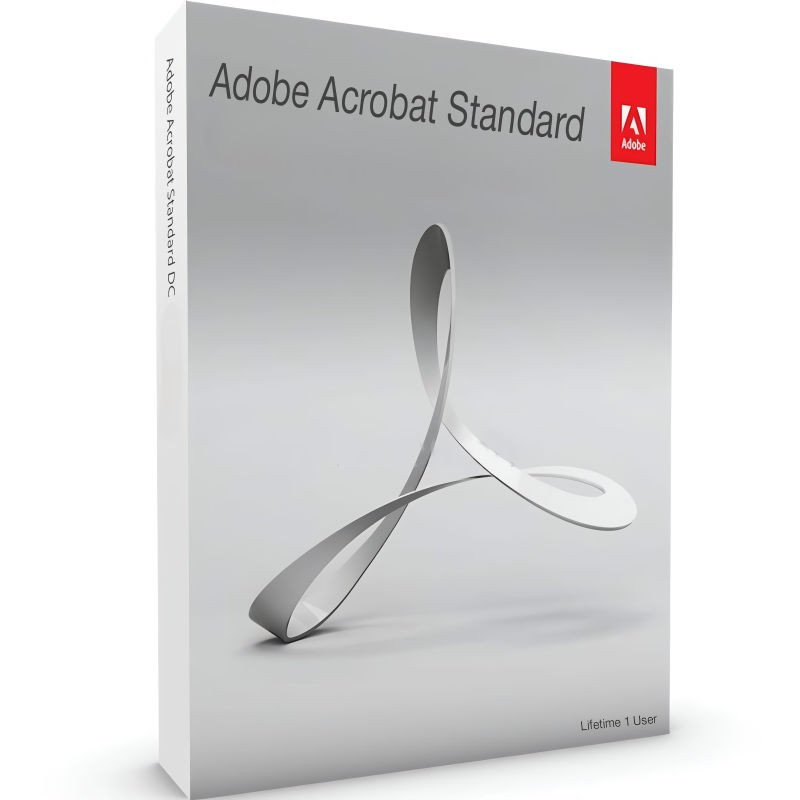
Adobe Acrobat Standard 2020 Perpetual (Life Time) 1 User
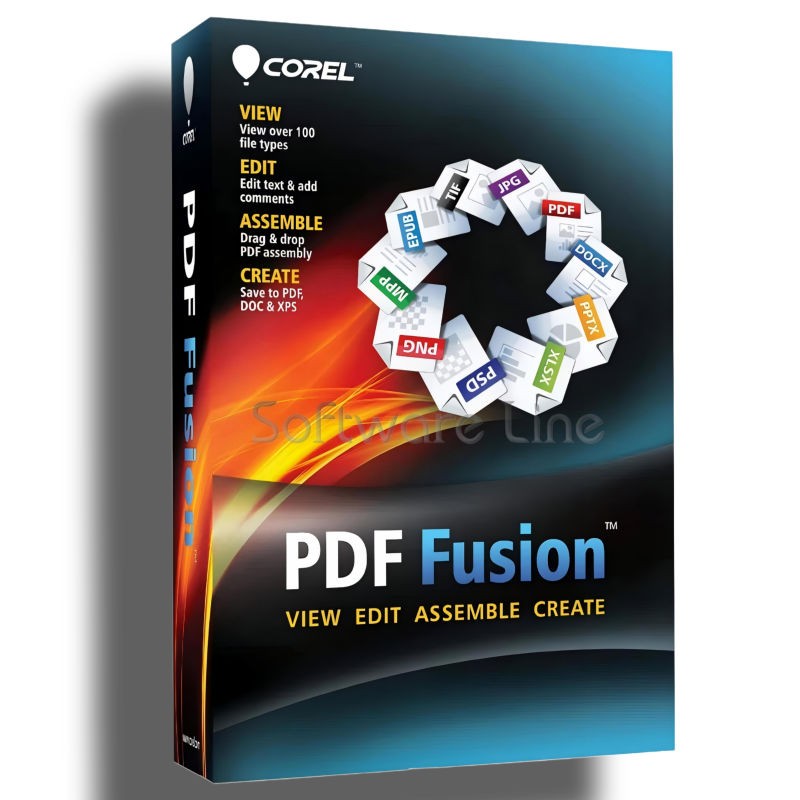
Corel PDF Fusion One-Time Purchase
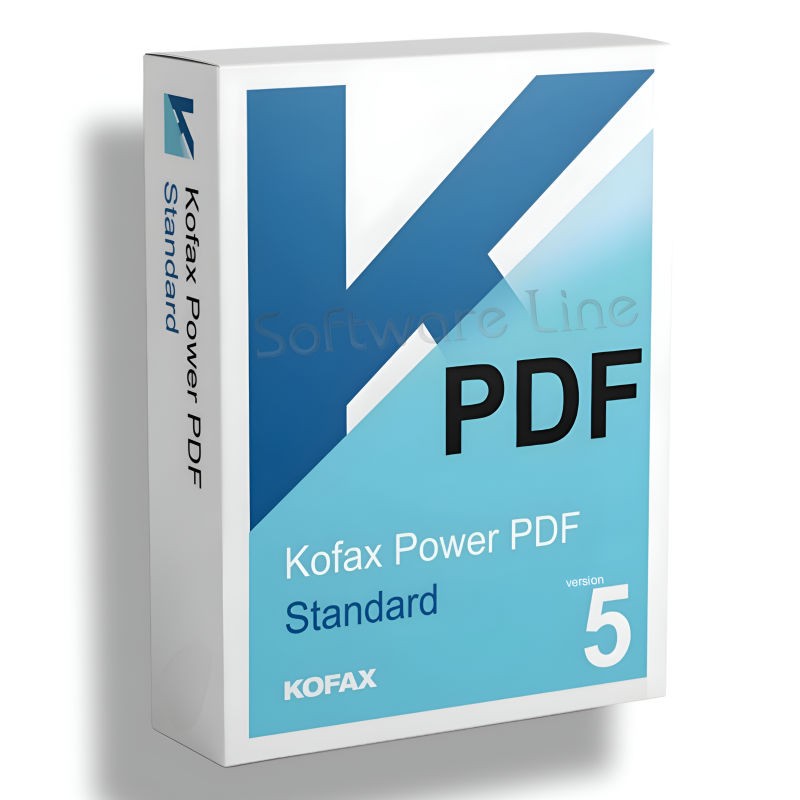
Kofax Power PDF Standard V5 | WIN (One-Time Purchase)
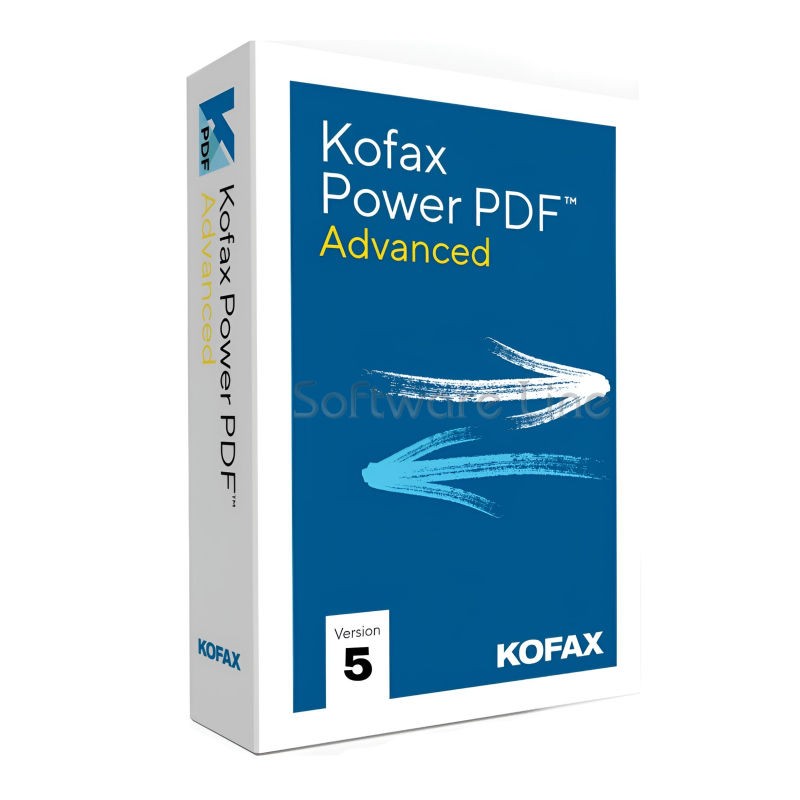
Kofax Power PDF Advance V5 | WIN (One-Time Purchase)
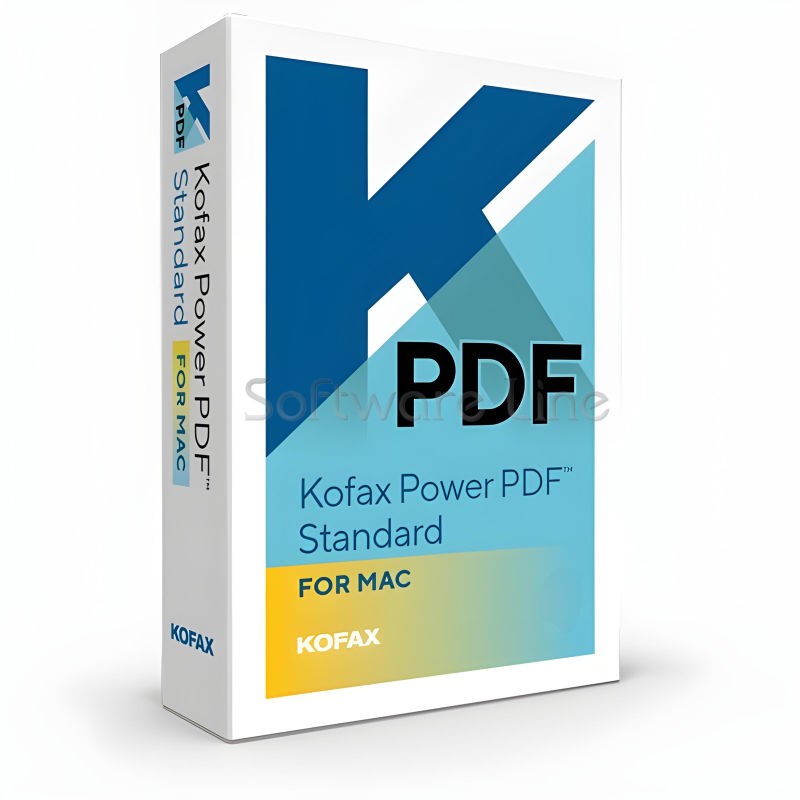
Kofax Power PDF for MAC (One-Time Purchase)

Ashampoo PDF Pro 5 | Windows

Copyright © 2003-2018. Software Line Trading LLC. All rights reserved. Software Line, the Software Line logo are trademarks or registered trademarks of Software Line. All products, articles, brands, and logos of the manufacturers represented on this website may be subject to the trademarks and copyrights of the respective companies.

Contact Info
- Address: M17-A, Computer Plaza, Al-Ain Center, Mankhool Street, Bur Dubai P.O. Box # 44614, Dubai (UAE)
- Phone: +971 4 3591317 / 3514175
- Email: Info@softwareline.ae