
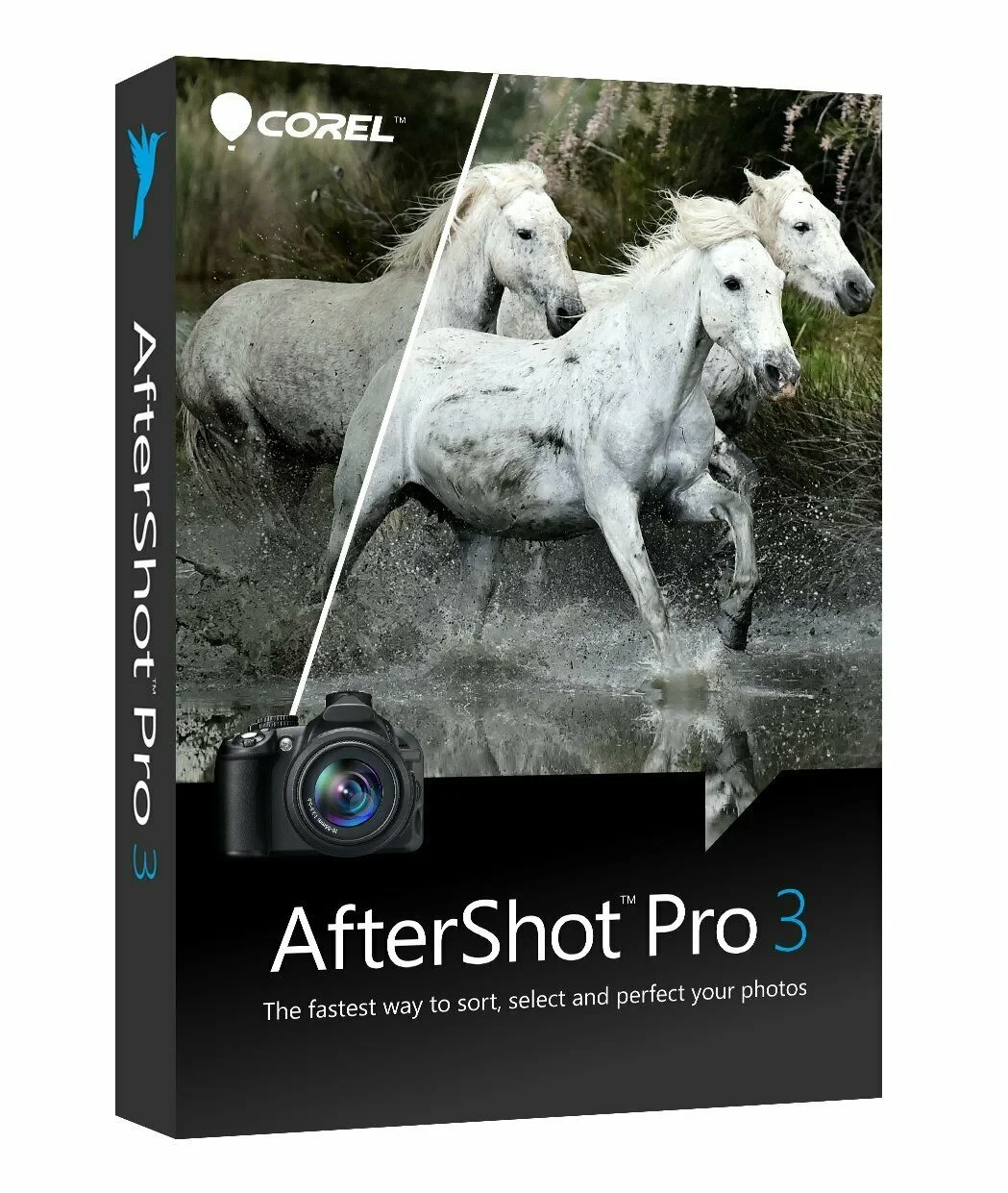
Corel AfterShot Pro 3
Corel® AfterShot™ Pro 3 is up to four times faster than Adobe® Lightroom®*. This photo editor helps you unleash your true creative potential, freeing you from high costs, never-ending subscriptions and hours of computer work. With AfterShot™ Pro 3, you can import, process, and output your photos faster and get back to where you belong faster: behind the camera.
-

Avast Premium Security
AED 49.00 -
Panda Dome Complete 1 Device 1 Year
AED 49.00 -
AVG Internet Security
AED 29.00 -
Bitdefender Total Security
AED 49.00 -
Panda Dome Essential 1 Device 1 Year
AED 29.00






Embedding of watermarks
Protect and promote your work with watermarks. Use this versatile and easy-to-use feature to mark your photos with a logo or contact information, prevent unauthorized copying, and insert text and graphics. Apply watermarks to single or multiple photos and adjust properties such as size, orientation, position, and transparency.
Highlight Recovery
Enhanced Highlight Recovery lets you recover more detail and tone in overexposed photos. Thanks to a new algorithm, this function now allows you to access even more data in RAW files to achieve superb image quality.
Correction of blemishes
To save time and edit photos faster, you can now do more retouching and photo correction directly in AfterShot Pro 3 without having to switch to PaintShop Pro or Adobe® Photoshop®. The new blemish correction feature includes Circle, Brush, Polygon, and Freehand tools that make editing your portraits faster and easier. You can also use it to remove dust particles, stains, and various other flaws from photos.
Image presets library
Now it's even easier to automate repetitive processing using presets or quickly recreate a look that would otherwise require extensive editing. Use the new Image Presets Library to browse, preview and download free and commercially available presets.
Lens Correction Development Kit
It is now possible to develop your own lens corrections - an optimal function for photographers who work with rare or brand new lenses. Simply follow the instructions, save your lens correction and load it into AfterShot Pro 3 - or share it online.
Lens Corrections
With an upgrade to AfterShot Pro 3, you get access to new and in-demand lens corrections that build on the hundreds of lenses already supported by AfterShot and that correct a wide variety of lens distortions. Join the AfterShot Pro community on Facebook to keep up to date with the latest lens corrections available and to share your own lens corrections.
Many new plugins
With the new Plugin Manager in AfterShot Pro 3, you can quickly find and install commercially available and free plug-ins, as well as get updates. You can also develop your own plugins with our unique plugin API - all you need is knowledge of C++, the updated plugin SDK and a love of photography. Share your plugins for free with other users in the AfterShot community or work with Corel to make your plugins available for purchase.
Updated RAW camera profiles
It is our goal to provide support for the most popular, powerful and creative cameras. These include professional digital SLR cameras as well as flexible, high-quality mirrorless cameras. A new dynamic camera profile update program notifies you when new camera profiles are added, and a new feedback mechanism captures and prioritizes your requests to Corel.
Modular camera profiles
Thanks to dynamic camera updates, you get the latest camera profiles earlier - and without having to install a software patch. You can access and download the new profiles directly from AfterShot Pro 3. The camera you want is not available? Click the "Feedback" button and send your request directly to the AfterShot Pro development team.
Take part!
AfterShot Pro was developed by Corel to give you, the photographer, full control: You can now develop your own plug-ins, lens corrections and presets. A new feedback loop makes it easier to share ideas and requests with the photo team, so the program can be better tailored to your needs. Just click on "Feedback" and send us your comments.
Windows:
- Windows® 10, Windows® 8.1, Windows® 8, Windows® 7 with the latest service pack (64-bit editions)
- 64-bit Intel or AMD processor (multicore recommended)
- 2 GB RAM (4 GB recommended for HDR)
- 400 MB available hard disk space
- 1024 x 768 resolution with 16-bit color display (1280 x 768 resolution with 24-bit or higher color display is recommended)
- An Internet connection is required for online help and program updates
MAC:
- Mac OS®X 10.9 or later (64-bit edition)
- All Intel® Mac models are supported
- 2 GB RAM
- 250 MB available hard disk space
- 1024 x 768 resolution with 16-bit color display An Internet connection is required for online help and program updates
Related products
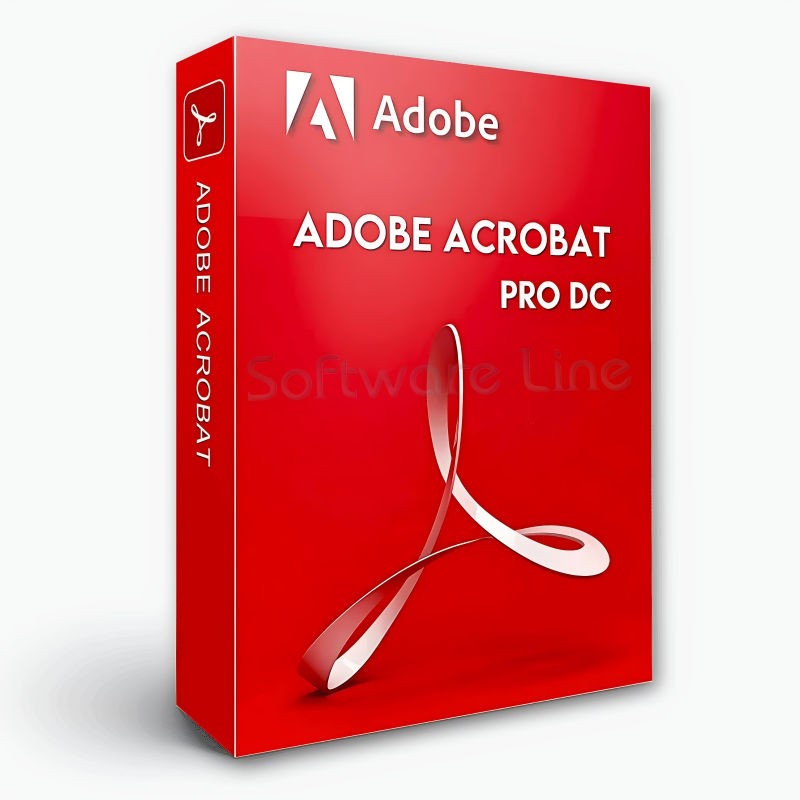
Adobe Acrobat Pro DC 1 Year 1 User
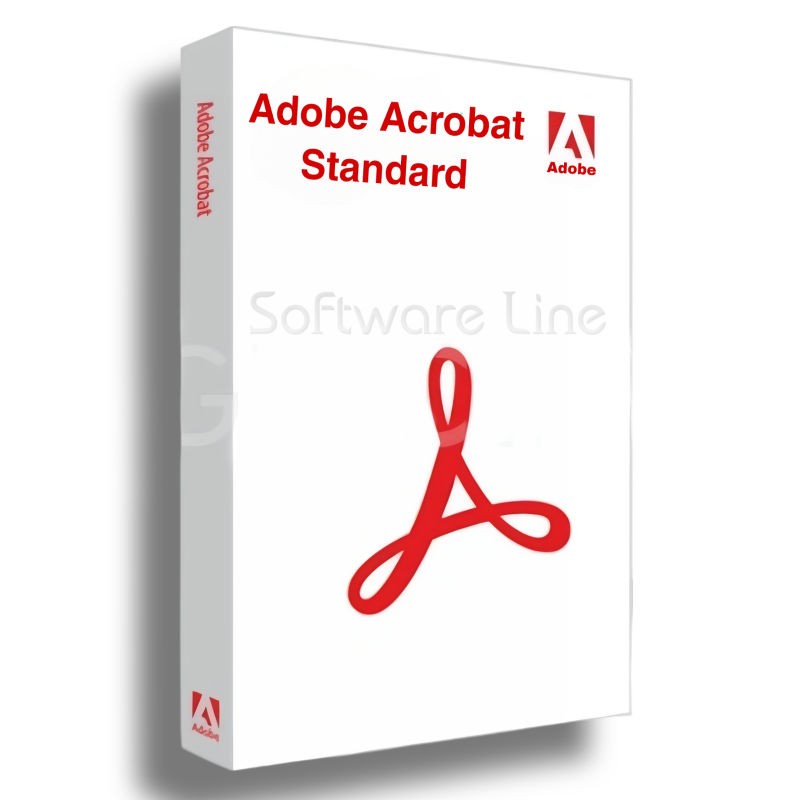
Adobe Acrobat Standard DC 1 Year 1 User

Adobe Acrobat Pro 2020 Perpetual (Life Time) 1 User
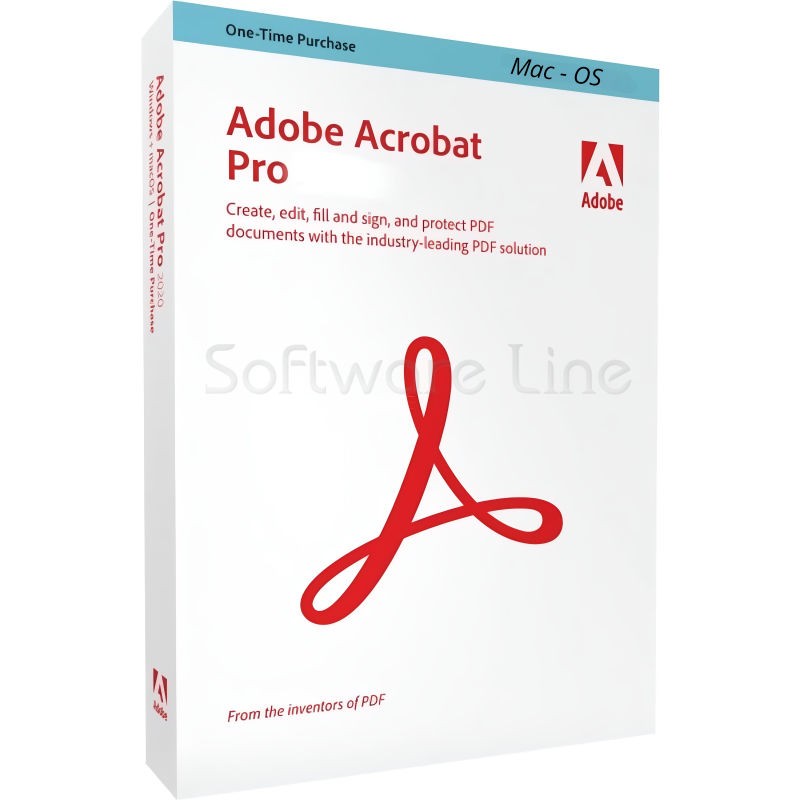
Adobe Acrobat Pro 2020 Perpetual (Life Time) 1 User
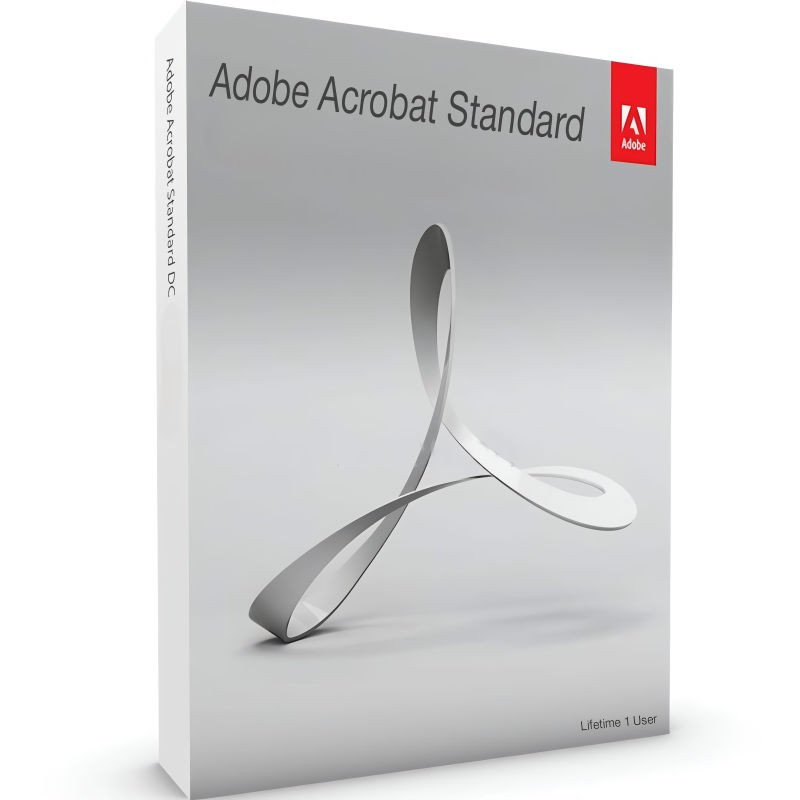
Adobe Acrobat Standard 2020 Perpetual (Life Time) 1 User
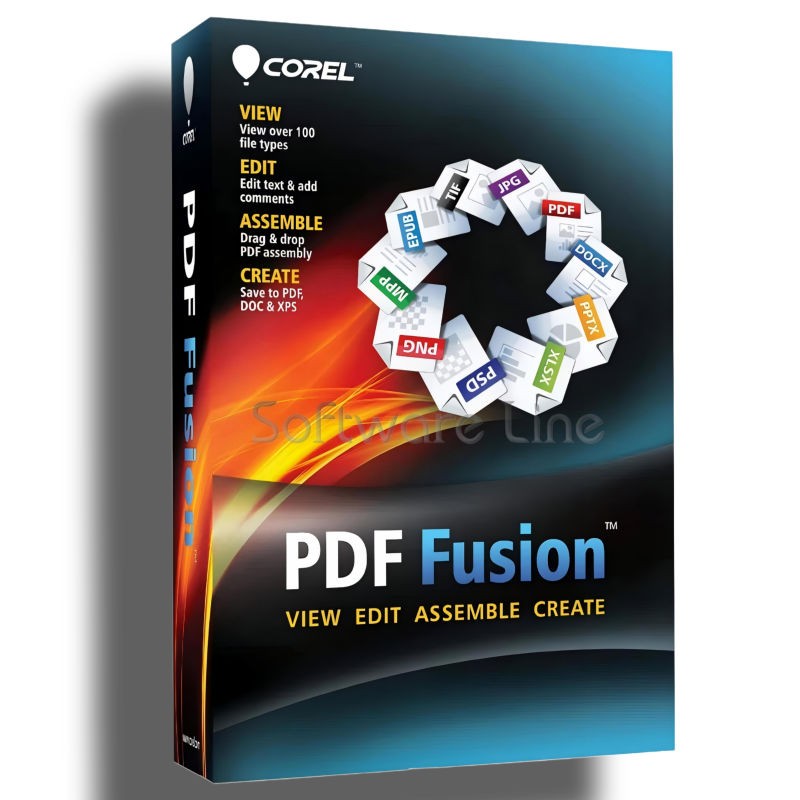
Corel PDF Fusion One-Time Purchase
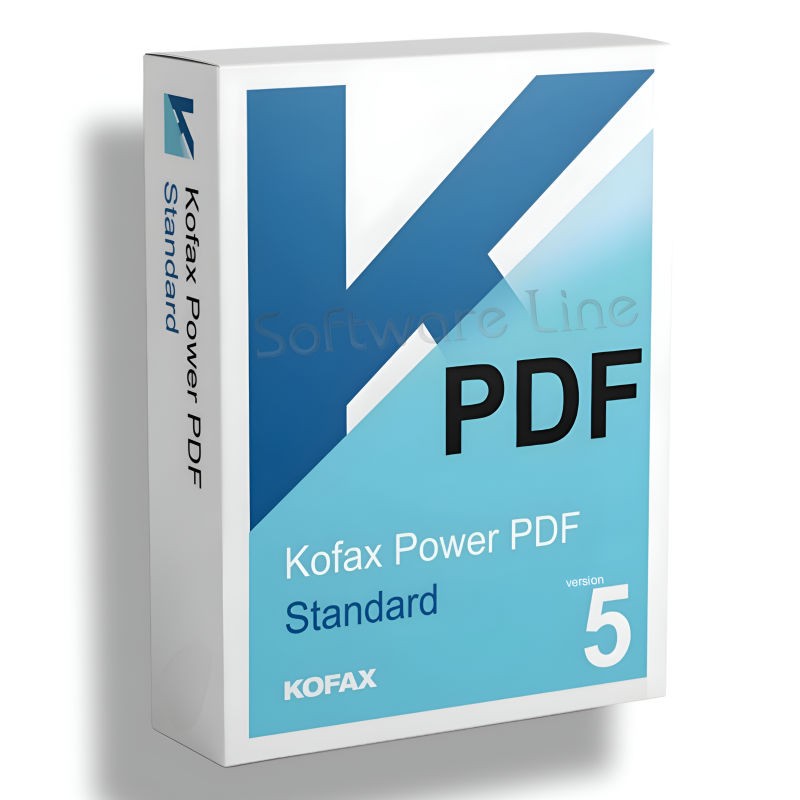
Kofax Power PDF Standard V5 | WIN (One-Time Purchase)
Kofax Power PDF Advance V5 | WIN (One-Time Purchase)
Kofax Power PDF for MAC (One-Time Purchase)

Ashampoo PDF Pro 5 | Windows

Copyright © 2003-2018. Software Line Trading LLC. All rights reserved. Software Line, the Software Line logo are trademarks or registered trademarks of Software Line. All products, articles, brands, and logos of the manufacturers represented on this website may be subject to the trademarks and copyrights of the respective companies.

Contact Info
- Address: M17-A, Computer Plaza, Al-Ain Center, Mankhool Street, Bur Dubai P.O. Box # 44614, Dubai (UAE)
- Phone: +971 4 3591317 / 3514175
- Email: Info@softwareline.ae