
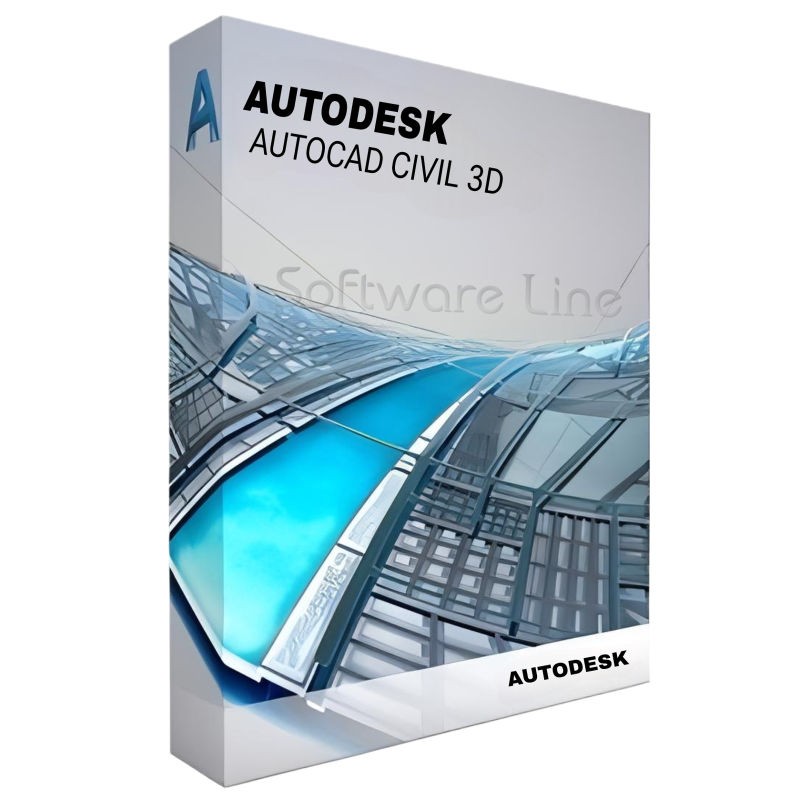
Autodesk Civil 3D 1 Year 1 User
(0 reviews)
Was:
Discount Price:
Inclusive of VAT
Save:
loading...
% OFF
SKU:
SLT-CODE:
01-240723-2199
Brand:

Share:
These product variants are not provided by the company
Autodesk Civil 3D design software empowers civil engineers to meet complex infrastructure challenges in a 3D model-based environment.
Accelerate design and documentation
Advance design automation
Improve collaboration and coordination
Top Selling Products
-

Avast Premium Security
AED 49.00 -
Panda Dome Complete 1 Device 1 Year
AED 49.00 -
AVG Internet Security
AED 29.00 -
Bitdefender Total Security
AED 49.00 -
Panda Dome Essential 1 Device 1 Year
AED 29.00






Site and survey workflows
Download, create, analyse, and adjust survey data, as well as transfer field-captured data to the office
Terrain modelling
Create digital models of topography for land-use studies, transportation system planning, and water flow simulations
Corridor modelling
Create dynamic and data-rich corridor models for motorways, roads, and rail tracks
Intersection design
Create dynamic models of 3-way (T-shaped) or 4-way intersections, as well as roundabouts
Drainage design and analysis
Manage stormwater and sanitary sewer design. Define pipeline paths, optimised with hydraulics/hydrology analysis
Pressure networks
Lay out horizontal and vertical pressure network designs; model deflected-curve pipe segments, and use design and depth checks
Plan production and documentation
Quickly create construction documents from drawings, including plan/profile, plan(s)-only, profile(s)-only, and section sheets
Interoperability
Civil 3D supports import, export, and links with commonly used CAD formats, including IFC, and connects with Esri ArcGIS and Bentley data
Design automation
Use visual programming to generate scripts that automate repetitive and complex tasks, including electrification and signalling
Geotechnical modelling
Visualise and analyse subsurface data and easily utilise that data directly in the Civil 3D design model
Materials and quantities
Use materials and sectional or profile information to create reports for volumes, comparing design and existing surfaces, and quantity takeoff
Bridge design
Coordinate workflows more efficiently across the various disciplines working on complex bridge design projects
There have been no reviews for this product yet.
Operating System -bit Microsoft® Windows® 11 or Windows 10 version 1809 or above. See Autodesk’s Product Support Lifecycle for support information.
Processor Minimum: 2.5–2.9 GHz processor (base). ARM Processors are not supported.
Recommended: 3+ GHz processor (base), 4+ GHz (turbo)
Memory Basic: 8 GB
Recommended: 16 GB
Display Resolution Conventional Displays: 1920 x 1080 with True Color
High Resolution & 4K Displays: Resolutions up to 3840 x 2160 (with capable display card)
Display Card Basic: 1 GB GPU with 29 GB/s Bandwidth and DirectX 11 compliant
Recommended: 4 GB GPU with 106 GB/s Bandwidth and DirectX 12 compliant
DirectX 12 with Feature Level 12_0 is required for Shaded(Fast) and Shaded with edges(Fast) visual styles
Please be sure to use the latest video card manufacturer's drivers from their website.
: Disk Space 20 GB (suggested SSD)
Network See Autodesk Network License Manager for Windows
Pointing Device MS-Mouse compliant
.NET Framework .NET Framework Version 4.8 or later
Related products
Adobe Illustrator CC 1 User 1 Year
Adobe InDesign CC 1 User 1 Year

Adobe Dreamweaver CC 1 User 1 Year
Adobe Muse CC 1 User 1 Year

Adobe Animate CC 1 User 1 Year
Adobe InCopy CC 1 User 1 Year

Adobe Creative Cloud 1 User 1 Year
Autodesk AutoCAD 1 Year 1 User
Autodesk AutoCAD LT 1 Year 1 User
Autodesk 3ds Max 1 Year 1 User

Copyright © 2003-2018. Software Line Trading LLC. All rights reserved. Software Line, the Software Line logo are trademarks or registered trademarks of Software Line. All products, articles, brands, and logos of the manufacturers represented on this website may be subject to the trademarks and copyrights of the respective companies.

Contact Info
- Address: M17-A, Computer Plaza, Al-Ain Center, Mankhool Street, Bur Dubai P.O. Box # 44614, Dubai (UAE)
- Phone: +971 4 3591317 / 3514175
- Email: Info@softwareline.ae