
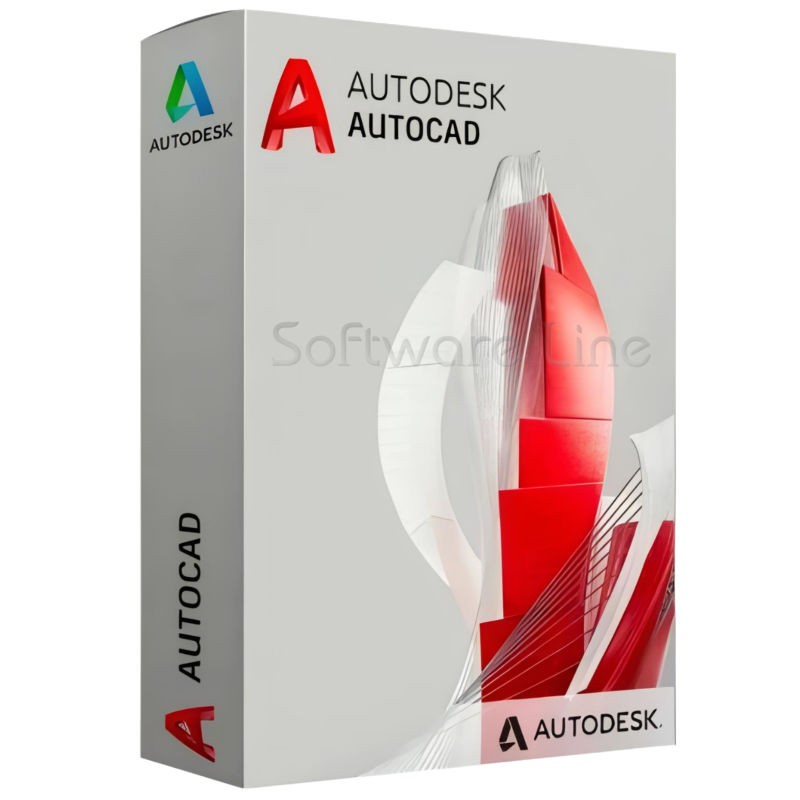
Autodesk AutoCAD 1 Year 1 User
(0 reviews)
Was:
Discount Price:
Inclusive of VAT
Save:
loading...
% OFF
SKU:
SLT-CODE:
01-240719-2194
Brand:

Share:
These product variants are not provided by the company
Autodesk AutoCAD equips architects, engineers, and construction professionals with precision tools to:
Design and annotate 2D geometry and 3D models with solids, surfaces, and mesh objects
Automate drafting tasks to place objects with AI, compare drawings, create schedules, publish layouts, and more
Maximize productivity with customized workspaces, AutoLISP, APIs, and apps
Top Selling Products
-

Avast Premium Security 1 Pc 1 Year
AED 39.00 -
Panda Dome Complete 1 Device 1 Year
AED 56.19




Create and edit drawings online
Create fundamental designs using core AutoCAD commands and edit drawings through the ribbon or command line
Open and share in the cloud
View, edit, share, and save drawings in Autodesk Drive and Docs, OneDrive, Google Drive, Dropbox, and Box
View and share with collaborators
View 2D or 3D DWG files and send a controlled copy of your drawing to teammates and colleagues to access wherever they are.
Review and give feedback with Trace
Using the Trace feature, safely review and add feedback directly to a DWG file without altering the existing drawing
Work offline (mobile only)
Design and draw without an internet connection and sync later
Organize your drawing with layers
Create layers in your drawing and organize them with flexibility and control
Display external references
View external references directly in your drawing
Accessible command line
Easily access the command line, which is docked at the bottom of the drawing area and displays prompts, options, and messages
Measurements and dimensions
Take measurements and add dimensions to your drawings
There have been no reviews for this product yet.
Operating System 64-bit Microsoft® Windows® 11 and Windows 10. See Autodesk's Product Support Lifecycle for support information.
Processor Basic: 2.5-2.9 GHz processor with 8 logical cores (base)
Recommended: 3+ GHz processor (base), 4+ GHz (turbo)
Memory Basic: 8 GB
Recommended: 32 GB Display Resolution
Conventional Displays: 1920 x 1080 with True Color
High Resolution & 4K Displays: Resolutions up to 3840 x 2160 (with "Recommended" display card) Display Card
Basic: 2 GB GPU with 29 GB/s Bandwidth and DirectX 11 compliant
Recommended: 8 GB GPU with 106 GB/s Bandwidth and DirectX 12 compliant. DirectX 12 with Feature Level 12_0 is required for our "Fast" visual styles to be enabled. Please be sure to use the latest drivers from the video card manufacturer's website.
Note: AutoCAD uses your computer's display card for a variety of essential graphics operations, including but not limited to view manipulation, line smoothing, and text/linetype generation. It is recommended that you have a display card with dedicated VRAM to support these operations at optimal speeds.
Related products

Adobe Illustrator CC 1 User 1 Year

Adobe InDesign CC 1 User 1 Year

Adobe Dreamweaver CC 1 User 1 Year

Adobe Muse CC 1 User 1 Year
Adobe Animate CC 1 User 1 Year

Adobe InCopy CC 1 User 1 Year

Adobe Creative Cloud 1 User 1 Year
Autodesk AutoCAD LT 1 Year 1 User
Autodesk 3ds Max 1 Year 1 User
Autodesk Revit 1 Year 1 User

Copyright © 2003-2018. Software Line Trading LLC. All rights reserved. Software Line, the Software Line logo are trademarks or registered trademarks of Software Line. All products, articles, brands, and logos of the manufacturers represented on this website may be subject to the trademarks and copyrights of the respective companies.

Contact Info
- Address: M17-A, Computer Plaza, Al-Ain Center, Mankhool Street, Bur Dubai P.O. Box # 44614, Dubai (UAE)
- Phone: +971 4 3591317 / 3514175
- Email: Info@softwareline.ae